EasyManua.ls Logo

Nike TRIAX C8 - Setting My View Display

Nike TRIAX C8
17 pages
Print Icon
To Next Page IconTo Next Page
To Previous Page IconTo Previous Page
Loading...
11
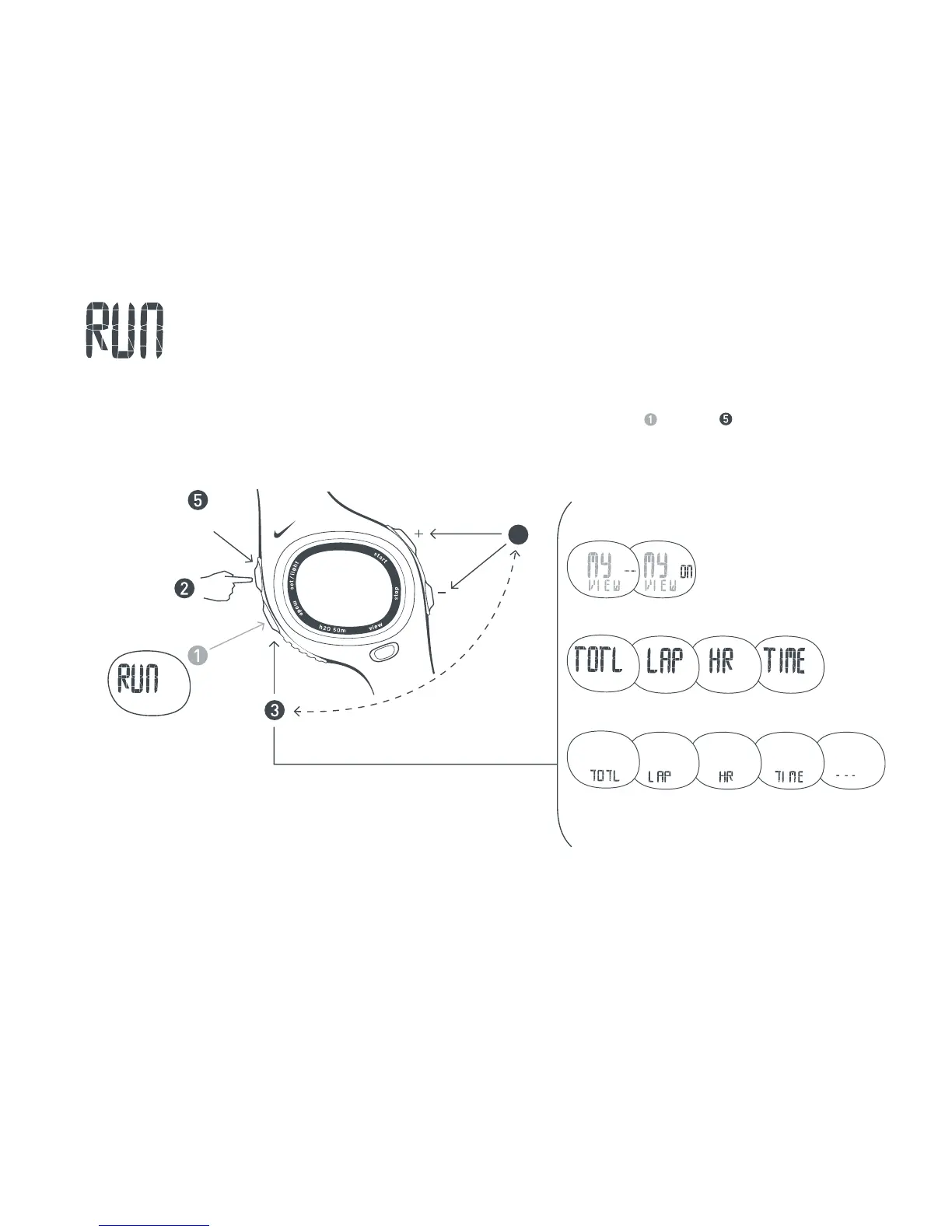
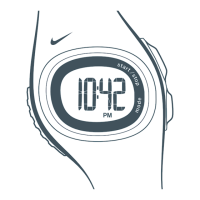
“My View” allows you to create your own view in RUN mode with the information you use the most during your workout.
When activated My View will appear as the first view in RUN mode. This feature allows you to choose which information
appears in the Primary (larger) and the Secondary (smaller) displays. Follow steps through to create your view.
Setting “My View” Display
Press button to scroll to MY VIEW
and select display choice.
Scroll to
RUN mode
4
4 SEC
EXIT
Turn MY VIEW ON
PRIMARY display choices
SECONDARY display choices
NOTE: Primary and Secondary display
choices cannot be the same.
NO display

Other manuals for Nike TRIAX C8

Related product manuals