EasyManua.ls Logo

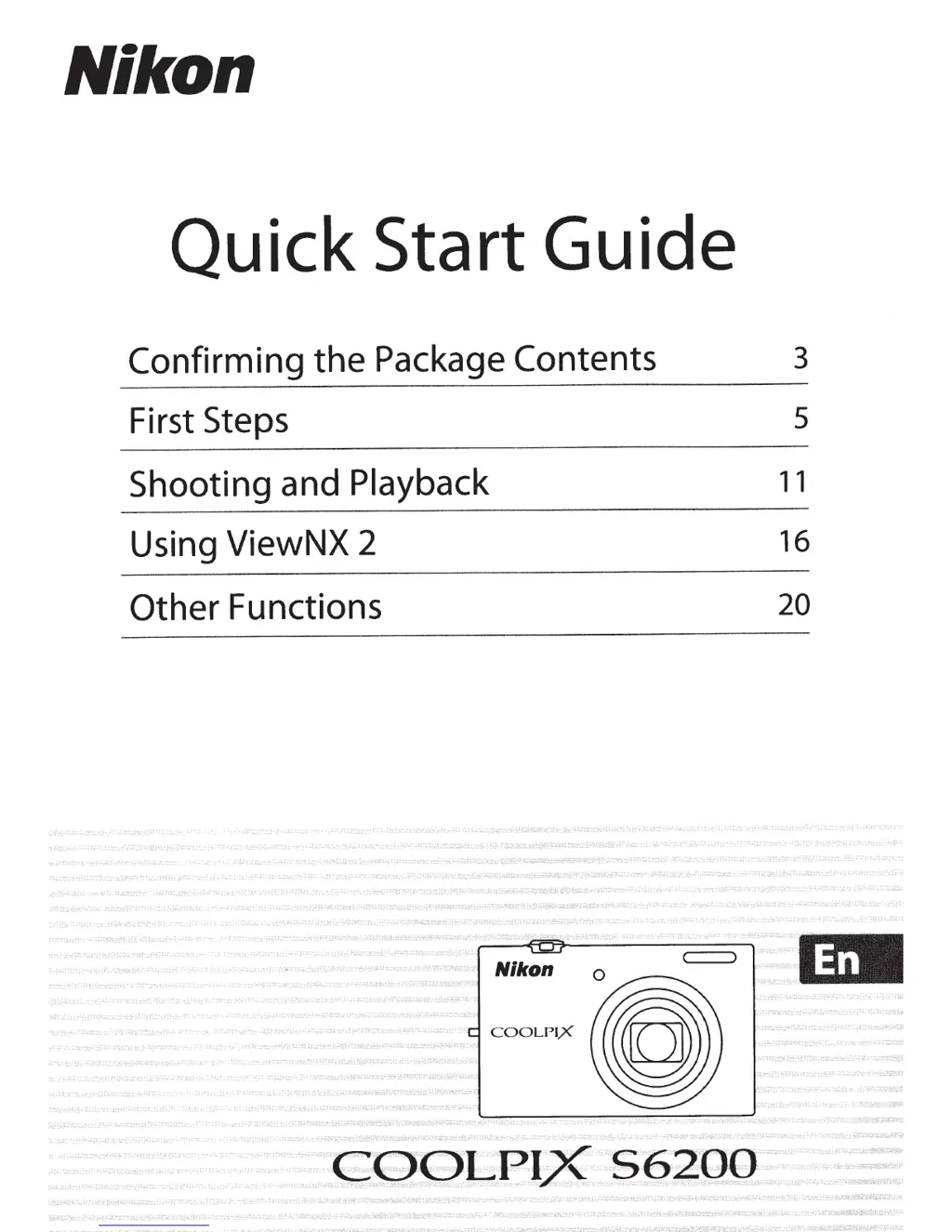
Nikon COOLPIX 56200 - User Manual

Nikon COOLPIX 56200
242 pages
Print Icon
To Next Page IconTo Next Page
Loading...
Nikon
Quick Start
Guide
Confirming
the
Package
Contents
3
First Steps
s
Shooting
and
Playback
11
Using ViewNX
2
16
Other
Functions
20

Table of Contents

Questions and Answers

  • W
    Willie NobleAug 10, 2025
    How to fix a Nikon COOLPIX 56200 Digital Camera that is not charging the battery?
    • R
      Ricky HernandezAug 10, 2025
      If the battery inserted in your Nikon Digital Camera isn't charging, check the following: * Ensure all connections are secure. * Verify that 'Charge by computer' is not set to 'Off' in the setup menu. * Note that charging via computer stops when the camera is off or when the computer enters sleep mode. * Be aware that charging via computer might not be possible depending on the computer's specifications, settings, and status.
  • T
    thorntonstephenAug 25, 2025
    Why does my Nikon COOLPIX 56200 Digital Camera turn off without warning?
    • M
      Michael WardAug 25, 2025
      Your Nikon Digital Camera might be turning off unexpectedly due to several reasons: * The battery may be exhausted. * The camera might be automatically shutting down to conserve power. * The camera or battery could be too cold to function correctly. * If the Charging AC Adapter is connected while the camera is on, it will turn off. * Disconnecting the USB cable from a computer or printer will also cause the camera to turn off. In this case, reconnect the USB cable. If the camera has overheated, leave it off until it cools down, and then try turning it on again.

Nikon COOLPIX 56200 Specifications

General IconGeneral
ModelCOOLPIX 56200
Digital Zoom4x
Image SensorCCD
Continuous Shooting Speed1.5 fps
Built-in FlashYes
TypeDigital Camera
Effective Pixels5.1 megapixels
BatteryEN-EL5
ISO SensitivityISO 50, 100, 200, 400

Related product manuals