EasyManua.ls Logo

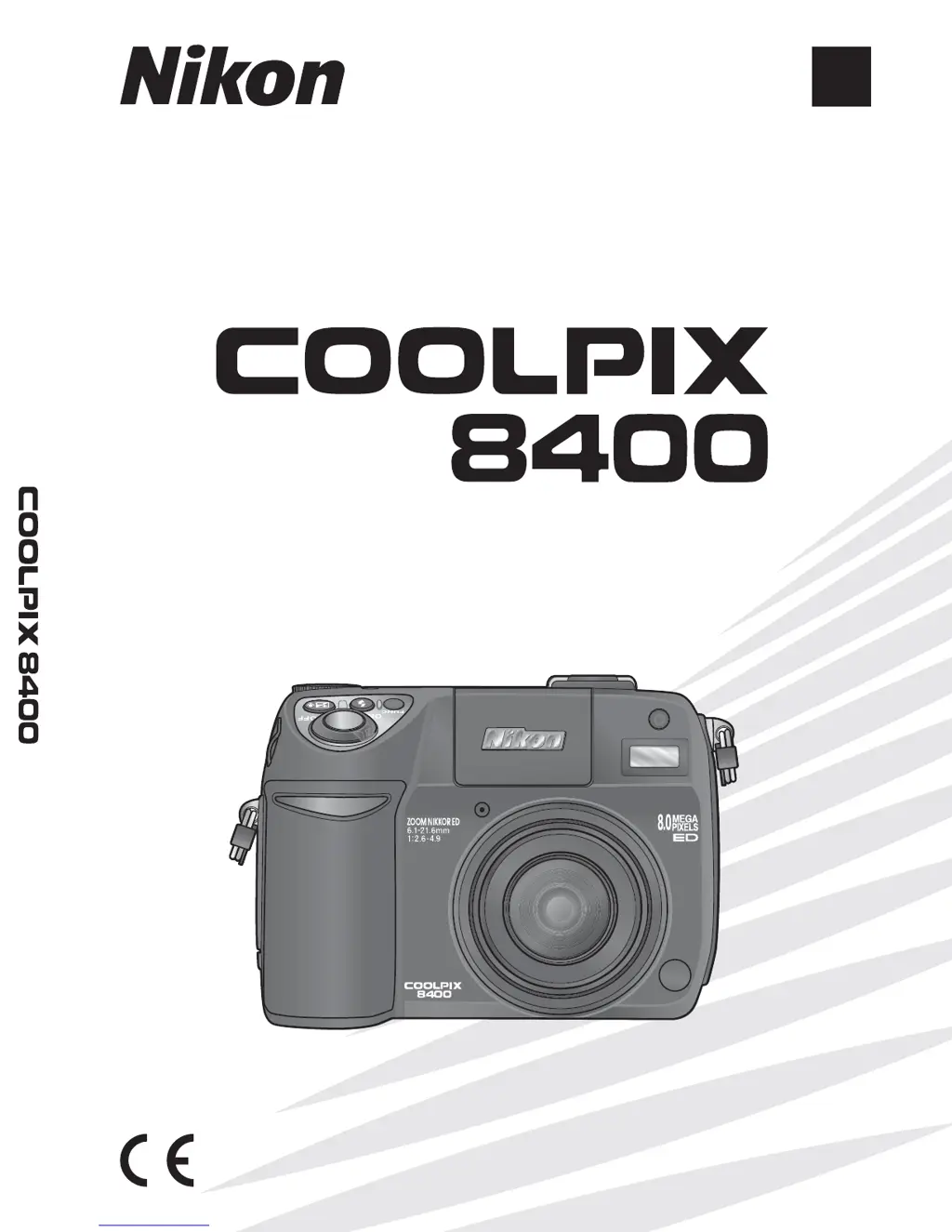
Nikon COOLPIX 8400 - User Manual

Nikon COOLPIX 8400
170 pages
Print Icon
To Next Page IconTo Next Page
Loading...
Printed in Japan
SB4H04000301(11)
6MA03711-A
En
(En)
The Nikon Guide to Digital Photography
with the
DIGITAL CAMERA
No reproduction in any form of this manual, in
whole or in part (except for brief quotation in critical
articles or reviews), may be made without written
authorization from NIKON CORPORATION.

Table of Contents

Other manuals for Nikon COOLPIX 8400

Questions and Answers

  • T
    Thomas Vazquez Jr.Jul 26, 2025
    Why does the flash not fire on my Nikon Digital Camera?
    • T
      Teresa RileyJul 26, 2025
      The flash on your Nikon Digital Camera may not fire for a number of reasons. The flash might be off, the focus mode could be set to infinity, or a specific scene mode might be selected (such as Landscape, Sunset, Night landscape, Museum, Fireworks show, Close up, Copy, Panorama assist, Sports, or Dusk / Dawn). Additionally, it could be due to the movie mode being set to an option other than Time-lapse movie, the Continuous option being set to something other than Single or Intvl timer shooting, BSS or AE-BSS being on, the lens being set to an option other than Normal, Speedlight ctrl being set to Internal off, or an optional Speedlight being attached with Speedlight ctrl set to Auto.
  • R
    Randy ColonJul 31, 2025
    How to fix pictures with noise on Nikon COOLPIX 8400 Digital Camera?
    • A
      Alicia PalmerJul 31, 2025
      If your Nikon Digital Camera pictures contain randomly-spaced bright pixels (“noise”), it could be because the sensitivity (ISO equivalency) is too high or the shutter speed is too slow. At shutter speeds of ¼ s or slower, turn noise reduction on.
  • K
    Katherine ClarkAug 5, 2025
    Why does my Nikon COOLPIX 8400 Digital Camera display unusual characters and stop functioning?
    • M
      Michael WilliamsAug 5, 2025
      Your Nikon Digital Camera might display unusual characters and stop functioning due to a strong external static charge. To resolve this, turn the camera off, remove and replace the battery, and then turn the camera back on. If you are using an AC adapter, try disconnecting and reconnecting it, then turn the camera on again. If the problem persists, contact your retailer or a Nikon representative.
  • H
    Hunter MorenoAug 10, 2025
    What to do if the monitor is hard to read on my Nikon Digital Camera?
    • T
      Tonya ZhangAug 10, 2025
      If the monitor on your Nikon Digital Camera is hard to read, it might be due to the ambient lighting being too bright; consider using the electronic viewfinder. Also, the monitor might need a brightness adjustment, or it could simply be dirty, in which case you should clean it.
  • R
    Robin HaleAug 15, 2025
    What to do if PictureProject does not start when Nikon Digital Camera is connected?
    • J
      James FrancisAug 15, 2025
      PictureProject may fail to start when your Nikon Digital Camera is connected if the camera is off, the AC adapter is not properly connected (or the batteries are exhausted), the USB cable is not correctly connected (or the card is not properly inserted in the card reader or card slot), or the USB item in the setup menu is set to PTP when the camera is connected to a computer running Windows 2000, Windows Me, or Windows 98 SE. For camera registration issues in Device Manager (Windows only), consult the PictureProject Reference Manual (on CD).
  • W
    Wendy McdonaldAug 19, 2025
    Why are indicators not displayed on my Nikon Digital Camera?
    • D
      Diane DavisAug 19, 2025
      Indicators may not be displayed on your Nikon Digital Camera if the battery is low, cold, or exhausted; if the camera is off; if the battery is not correctly inserted or the battery-chamber cover is not properly latched; if the AC adapter is not properly connected; if the camera is in energy-saving mode (press the shutter-release button halfway); if the camera is shooting a time-lapse movie; or if interval-timer shooting is in progress.

Summary

Introduction

First Steps

Charging the Battery

Provides instructions for charging the camera's rechargeable battery.

Inserting the Battery

Guides on how to properly insert the camera's battery.

Inserting Memory Cards

Explains the procedure for inserting memory cards into the camera.

Turning the Camera On

Details the steps for powering on the camera for the first time.

Basic Setup

Covers initial camera setup procedures like language and date settings.

Basic Photography

More on Photography

Flash Mode

Details the various flash modes and when to use them for optimal lighting.

Focus Mode

Describes different focus modes (Autofocus, Infinity, Macro) for various subjects.

Exposure Compensation

Explains how to adjust exposure compensation to fine-tune image brightness.

PSAM Controlling Exposure: P, S, A, and M Modes

Overview of Programmed Auto, Shutter-Priority, Aperture-Priority, and Manual modes.

Movies

Movie Mode

Details the different movie recording modes available on the camera.

Recording Movies

Instructions on how to start, pause, and end movie recordings.

The Shooting Menu

The Playback Menu

Technical Notes

Error Messages

Lists common error messages and their corresponding solutions.

Troubleshooting

Helps diagnose and solve common camera operational problems.

Nikon COOLPIX 8400 Specifications

General IconGeneral
BrandNikon
ModelCOOLPIX 8400
CategoryDigital Camera
LanguageEnglish

Related product manuals