EasyManua.ls Logo

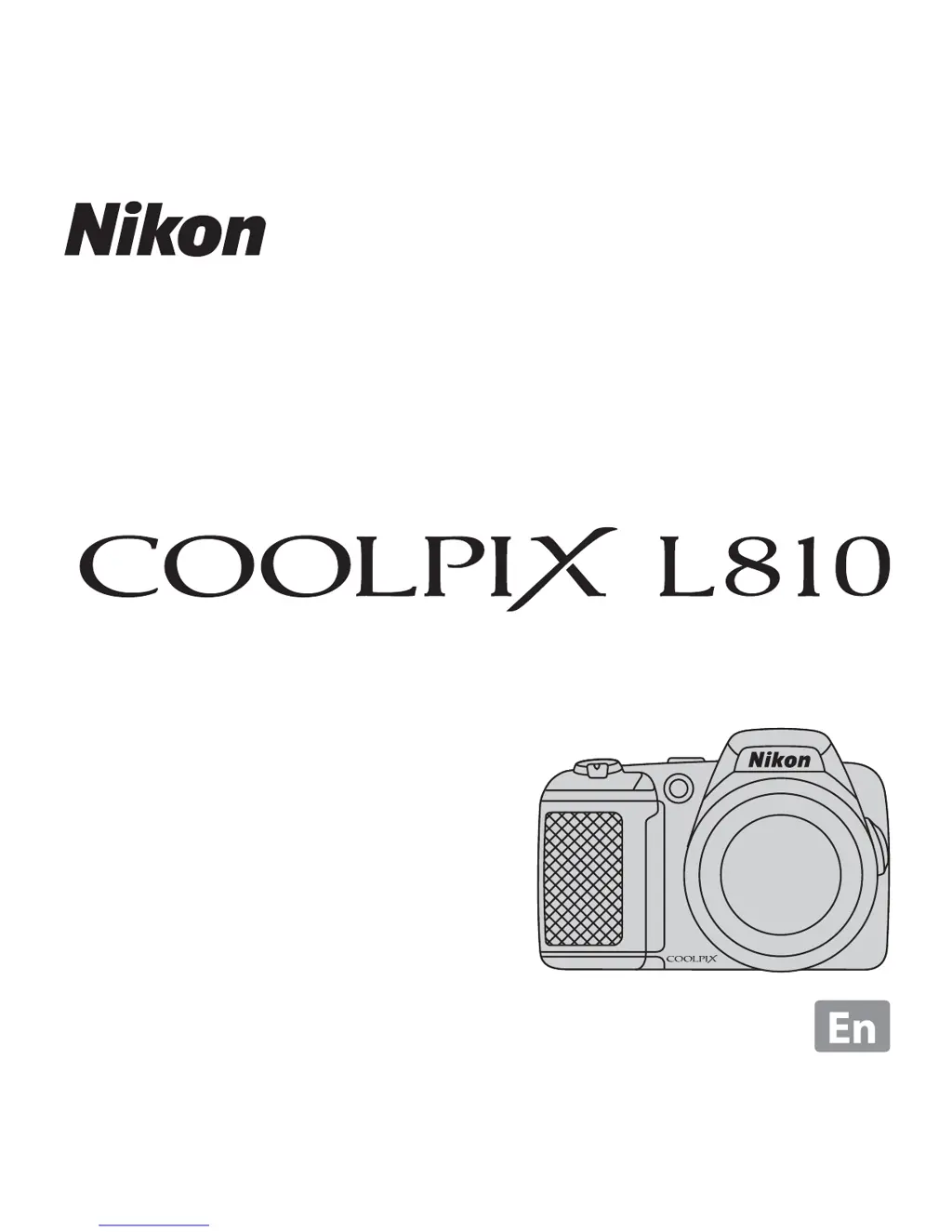
Nikon COOLPIX L810 - User Manual

Nikon COOLPIX L810
136 pages
Print Icon
To Next Page IconTo Next Page
Loading...
2012
No reproduction in any form of this manual, in whole or in part
(except for brief quotation in critical articles or reviews), may be
made without written authorization from NIKON CORPORATION.
Printed in Hong Kong
CT2A01(11)
6MM25811-01
DIGITAL CAMERA
Users Manual

Table of Contents

Other manuals for Nikon COOLPIX L810

Questions and Answers

  • D
    Dawn DunnSep 23, 2025
    Why is there no sound when the shutter is released on my Nikon COOLPIX L810?
    • M
      Mark JonesSep 23, 2025
      If there is no sound when the shutter is released on your Nikon Digital Camera, enable shutter sound because Off is selected for Sound settings > Shutter sound in the setup menu. Note that no sound is heard with some shooting modes and settings, even when On is selected, so check shooting modes.
  • A
    Ashley DixonAug 23, 2025
    Why can't my Nikon Digital Camera focus?
    • E
      Elizabeth FrancisAug 23, 2025
      If your Nikon Digital Camera cannot focus, ensure that the subject is not too close; you can try shooting using easy auto mode, Close-up scene mode, or macro mode. If the subject is one with which autofocus does not perform well, use manual focus mode. Also, ensure that AF assist in the setup menu is set to Auto. If the issue persists, try turning the camera off and then on again.
  • M
    Mrs. Ann CookAug 25, 2025
    How to fix blurred images with Nikon COOLPIX L810?
    • M
      Michelle BradshawAug 26, 2025
      To correct blurred images with your Nikon Digital Camera, consider the following: Use the flash, increase the ISO sensitivity value, enable vibration reduction or motion detection, use D (best shot selector), or use a tripod and the self-timer.
  • C
    Craig StewartAug 27, 2025
    How to correct the date and time on my Nikon COOLPIX L810?
    • R
      Richard LawrenceAug 27, 2025
      If the date and time are incorrect on your Nikon Digital Camera recordings, and the “Date not set” indicator flashes, set the correct time and date in the Time zone and date option in the setup menu. Also, check the camera clock regularly against more accurate timepieces and reset as required.
  • E
    Edward HermanAug 27, 2025
    What to do if the monitor is blank on my Nikon COOLPIX L810?
    • W
      William TaylorAug 27, 2025
      If the monitor of your Nikon Digital Camera is blank, first, ensure the camera is turned on. If it is on, the battery might be exhausted, so charge or replace it. If the camera is in standby mode to save power, press the power switch, the shutter-release button, A button, c button, or b (e movie-record) button. Also, wait for the flash to charge if the flash lamp is flashing. Disconnect any USB, audio/video, or HDMI cables connected to the camera.
  • J
    Jessica BrownSep 16, 2025
    What to do if I cannot switch to shooting mode on my Nikon Digital Camera?
    • S
      Stephanie GillSep 16, 2025
      If you cannot switch to shooting mode on your Nikon Digital Camera, disconnect the HDMI cable or USB cable.
  • J
    Jennifer MullinsSep 13, 2025
    What to do if no image is captured when pressing the shutter on my Nikon Digital Camera?
    • K
      Kim HaynesSep 13, 2025
      If no image is captured when you press the shutter-release button on your Nikon Digital Camera, switch to shooting mode if the camera is in playback mode by pressing the A button, the shutter-release button, or the b (e movie-record) button. Also, ensure that the battery is not exhausted, and wait for the flash to charge if the flash lamp is flashing.
  • E
    Elizabeth KimSep 14, 2025
    How to make the monitor easier to read on my Nikon COOLPIX L810 Digital Camera?
    • B
      Brandon MyersSep 14, 2025
      If the monitor on your Nikon Digital Camera is hard to read, try increasing the monitor brightness. Also, clean the monitor if it is dirty.
  • J
    Jennifer CurtisSep 5, 2025
    Why does the time zone and date screen appear when I turn on my Nikon COOLPIX L810 Digital Camera?
    • D
      Darin RitterSep 5, 2025
      The time zone and date screen appears when you turn on your Nikon Digital Camera because the clock battery is exhausted, and all settings were restored to their default values. Replace the clock battery to resolve this issue.
  • C
    Colleen CraigSep 3, 2025
    Why is the monitor blank on my Nikon Digital Camera?
    • H
      Harold MooreSep 3, 2025
      A blank monitor on your Nikon Digital Camera can occur for several reasons: the camera might be off (turn on the camera), the battery could be exhausted (replace the battery), or the camera might be in standby mode (press the power switch, the shutter-release button, A button, c button, or b (e movie-record) button to wake it). Also, the flash lamp flashes while the flash is charging (wait for the flash to charge), the camera and computer are connected via USB cable (disconnect the USB cable), the camera and TV are connected via audio/video cable or HDMI cable (disconnect the audio/video cable or HDMI cable).

Summary

Introduction

For Your Safety

Details crucial safety precautions and warnings to prevent product damage or personal injury.

The Basics of Shooting and Playback

Preparation 1 Insert the Batteries

Step-by-step guide on how to correctly insert batteries into the camera.

Shooting Features

G (Easy Auto) Mode

Explains the automatic scene selection feature for simplified shooting.

A (Auto) Mode

Covers general shooting with adjustable settings via the shooting menu.

Recording and Playing Back Movies

Recording Movies

Step-by-step instructions on how to record movies using the camera.

Technical Notes and Index

Caring for the Product

Provides essential advice on how to maintain and care for the camera to ensure longevity.

Troubleshooting

Lists common problems and their solutions for camera malfunctions and issues.

Nikon COOLPIX L810 Specifications

General IconGeneral
Sensor Resolution16.1 MP
Optical Zoom26x
Digital Zoom4x
Display Size3.0 inches
Max Video Resolution1280 x 720
Battery Type4 x AA batteries
TypeCompact
ISO Range80-1600
Sensor TypeCCD
Effective Pixels16.1 million
LCD Monitor Resolution921, 000 dots
Battery LifeApprox. 300 shots
Image StabilizationLens-shift
Image Sensor Size1/2.3 inch
Video RecordingHD 720p
Lens Focal Length4.0-104.0 mm (35mm equivalent: 22.5-585 mm)
ISO SensitivityISO 80-1600
Shutter Speed1/1500 - 1 sec
Continuous Shooting1.2 fps
WeightApprox. 430 g (including batteries and memory card)

Related product manuals