51
Editing Pictures
More on Playback
H Resizing Pictures: Small Picture
The following sizes are available:
I 640×480: Suited to television playback.
J 320×240: Suited to display on web pages.
K 160×120: Suitable for e-mail attachments.
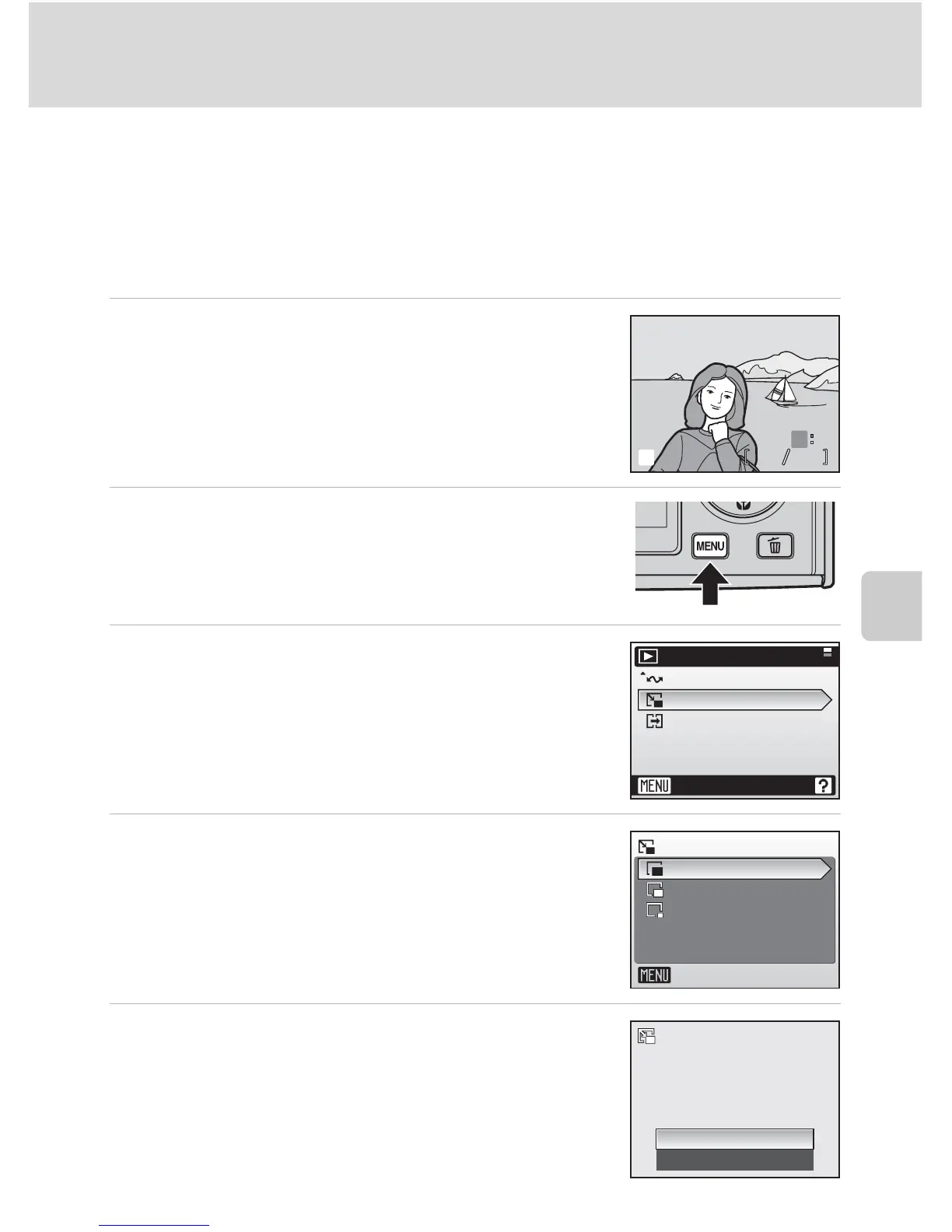
1 Display the desired picture in full-frame
playback mode (c 26).
2 Press m.
The playback menu is displayed.
3 Press the multi selector GH to choose
[Small pic.] and press d.
4 Press GH to choose the desired copy
size and press d.
5 Press H to choose [Yes] and press d.
A new, smaller copy is created.
100NIKON





 To Next Page