E90
Reference Section
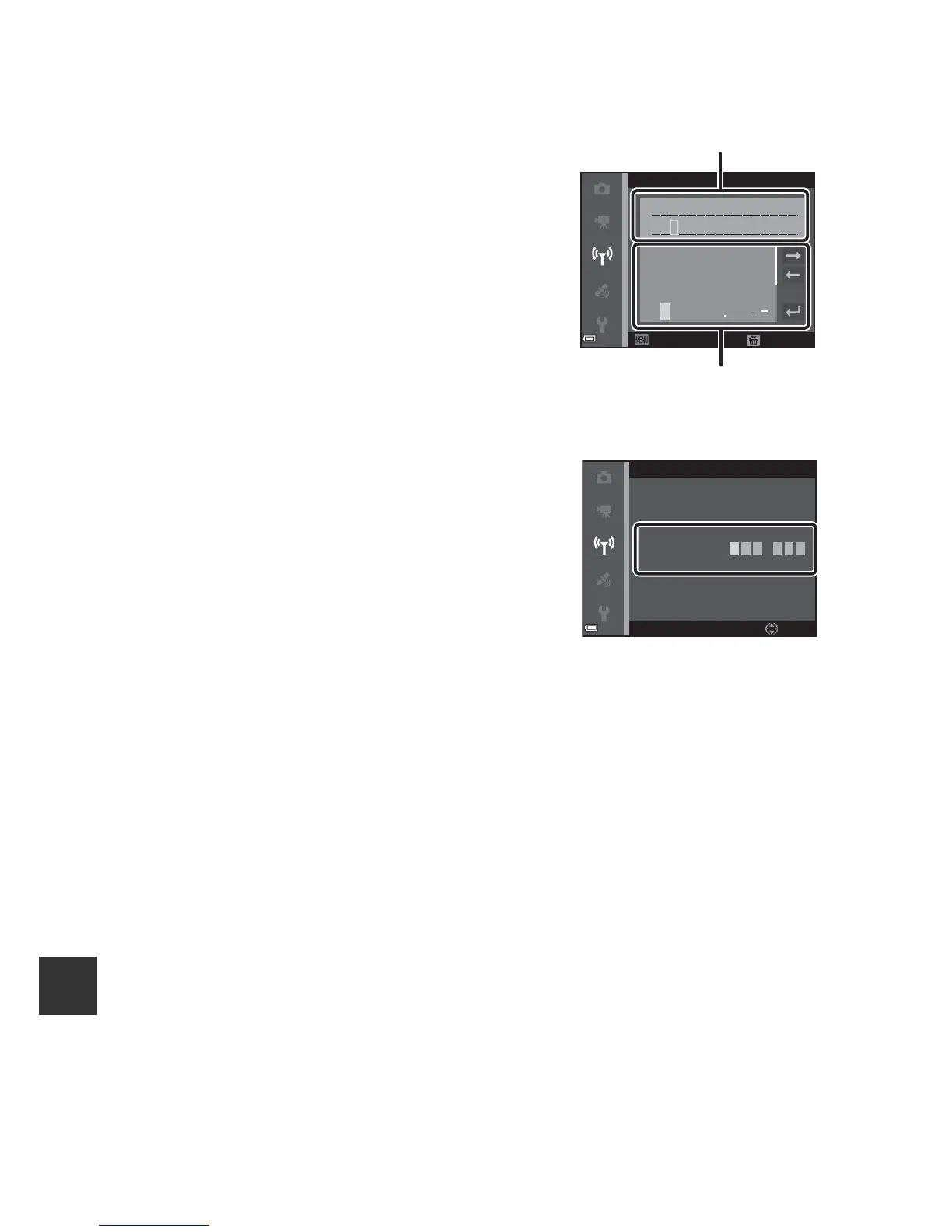
Operating the Text Input Keyboard
Character Input for SSID and Password
• Use the multi selector HIJK to select
alphanumeric characters. Press the k
button to enter the selected character in the
text field and move the cursor to the next
space.
• To move the cursor in the text field, select N
or O on the keyboard, and press the k
button.
• To delete one character, press the l button.
• To apply the setting, select P on the
keyboard and press the k button.
Character Input for Channel, Subnet mask and DHCP server IP address
• Use the multi selector HI to set the
numbers. To move to the next digit, press
K or the k button. To return to the
previous digit, press J.
• To apply the setting, select the last digit
and press the k button.
N i
x x
konS9700xxxxxx
0 1 23456789
ABCDEFGH I J
K LMNOPQ RST
U V WX Y Z@
SSID
Back
Delete















 To Next Page