34
Shooting Tips
: Multiple Exposures
Follow the steps below to record a series of two to ten
exposures in a single photograph.
While multiple expo-
sures can be recorded at any image quality setting, they
make use of RAW data from the camera image sensor to
produce results with colors noticeably better than photo-
graphs combined in an imaging application.
Creating a Multiple Exposure
Note that shooting will end and a multiple exposure will
be recorded automatically if no operations are performed
for 30 s.
Extended Recording Times
For an interval between exposures of more than 30 s,
extend the auto meter-off delay using Custom Setting
c2 (Auto meter-off delay). The maximum interval be-
tween exposures is 30 s longer than the option selected
for Custom Setting c2.
1
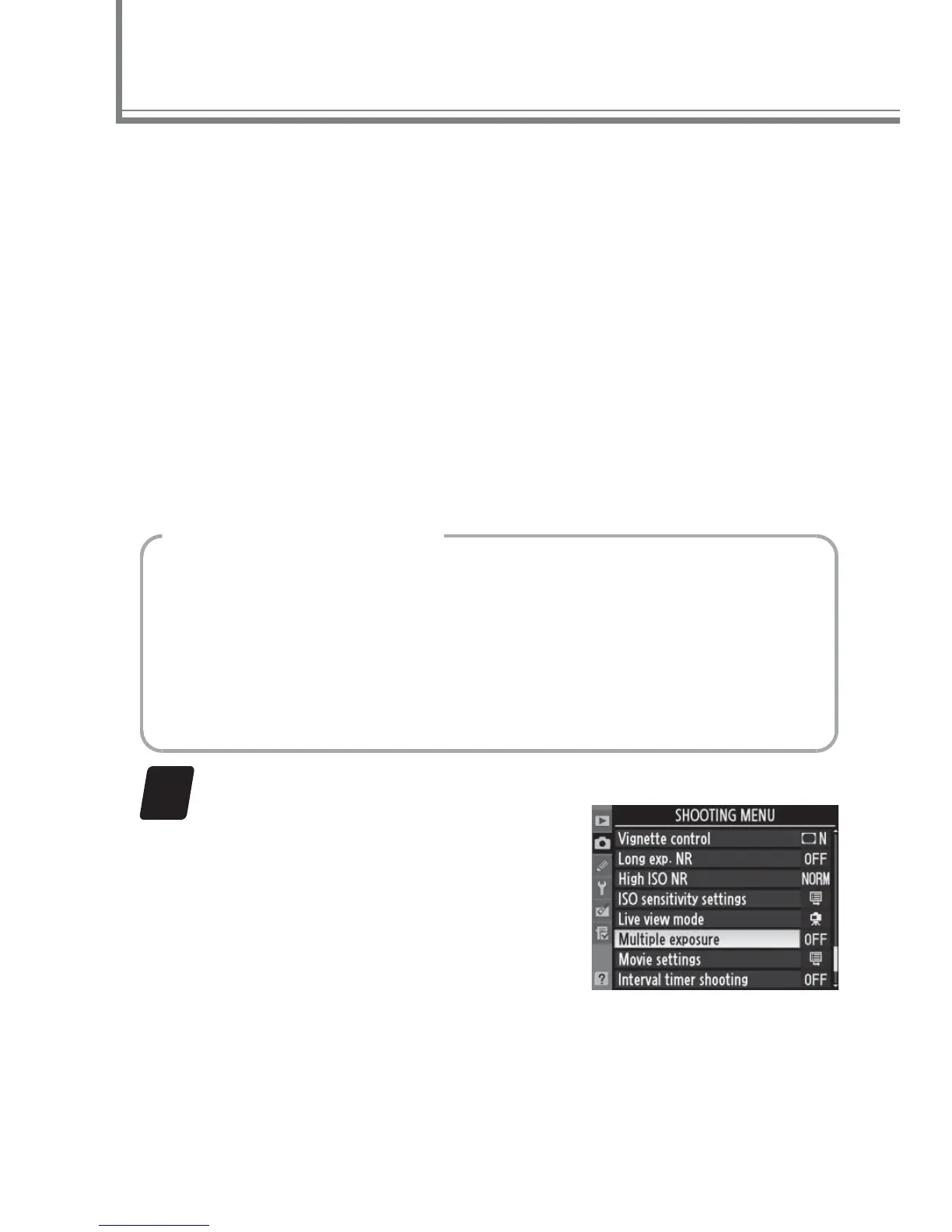
Select Multiple exposure in the shooting menu.
Press the G button to dis-
play the menus.
Highlight
Multiple exposure in the
shooting menu and press 2.



 To Next Page