44
5
Focus.
Press the B button to focus.
Note that focus can
be improved by selecting small apertures (high f-
numbers) for increased depth of fi eld.
6
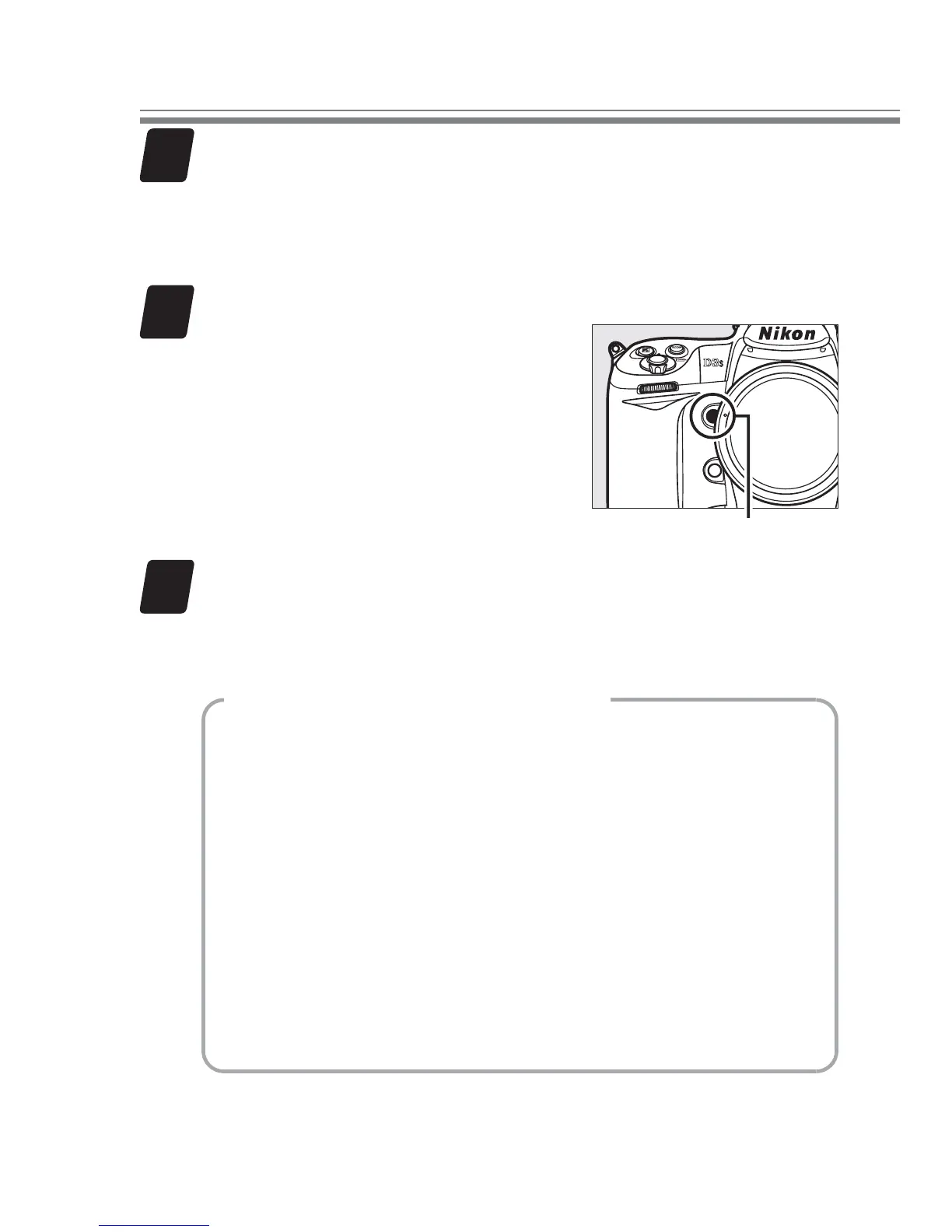
Start recording.
Press the Pv button or the
center of the multi selector to
start recording.
Pv button
7
End recording.
Press the Pv button or the center of the multi selector
again to end recording.
Column: Ending with a Photo
To end recording and take a still picture in live
view, press the shutter-release button all the
way down.
There may be a slight delay before
the photo is taken.
If On is selected for Image
review in the playback menu, the photo will be
displayed after shooting; press K to return to
live view.
Exposure may diff er from live view.
Check expo-
sure in the exposure preview before shooting.
Movie Tips



 To Next Page