48
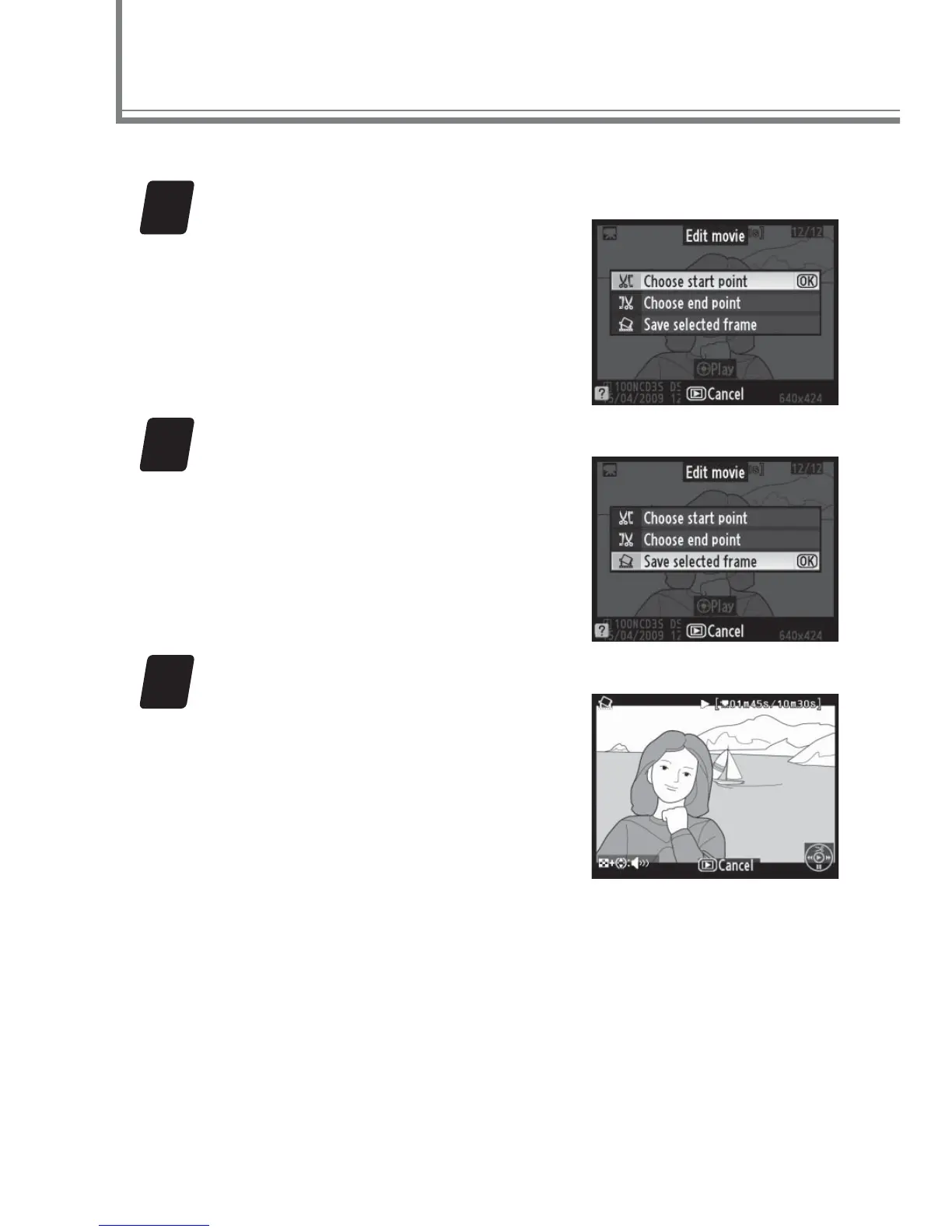
Selected frames from movies can be saved as JPEG stills.
1
Display movie retouch options.
Display the movie in full-frame
playback and press J.
The
options shown at right will be
displayed.
2
Select Save selected frame.
Highlight Save selected frame
and press J.
3
Choose a frame.
Press the center of the multi
selector to start or resume
playback, 3 to pause, and
4 or 2 to rewind or advance
(pause to rewind or advance
one frame at a time).
With the
movie paused on the desired
frame, press 1.
Movie Tips: Movie Stills



 To Next Page