42
Movie Tips:
h
-Mode Movies
Movies can be recorded in exposure mode
h
(manual).
1
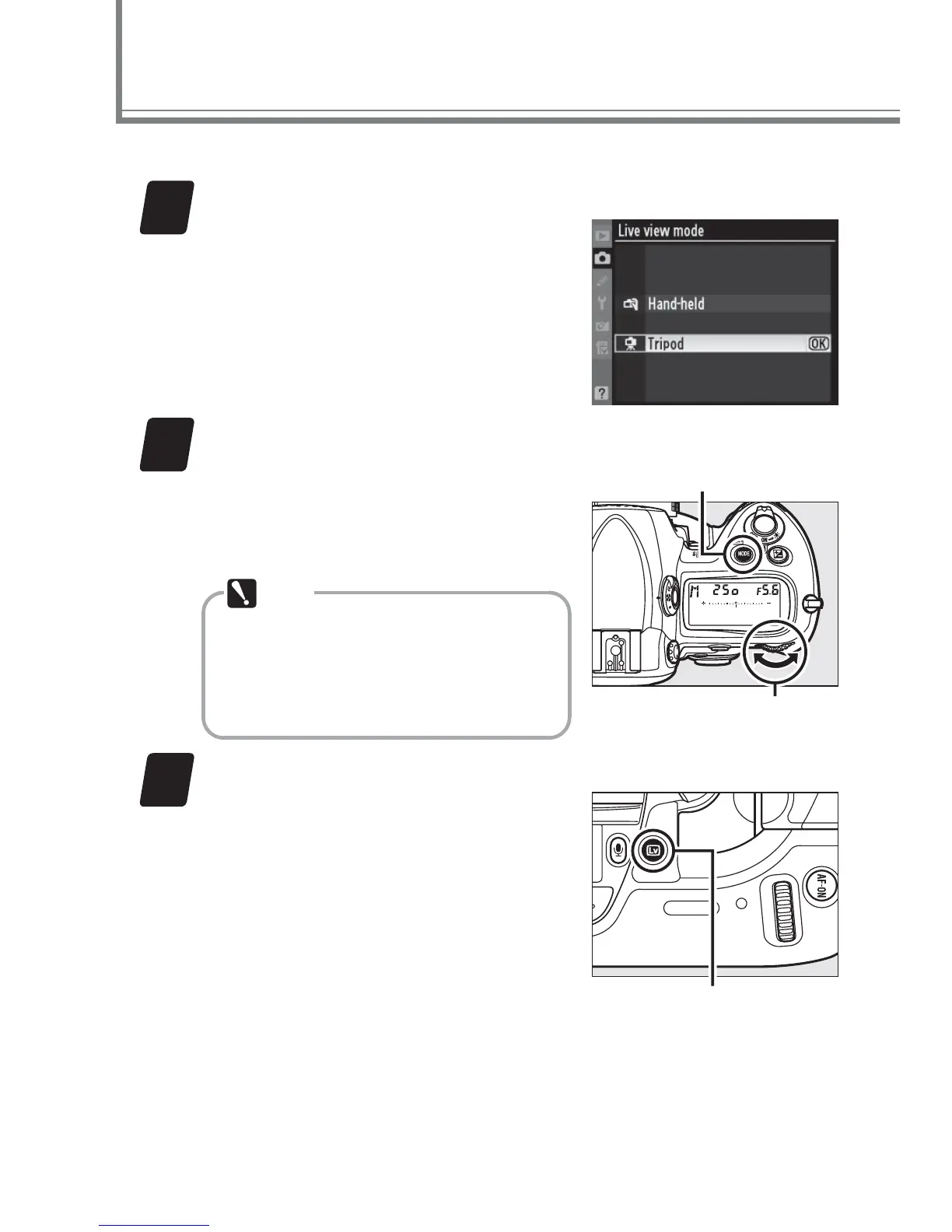
Select Tripod for Live view mode.
Select Live view mode in the
shooting menu, highlight Tri-
pod, and press J or the center
of the multi selector.
2
Select mode
h
.
Press the
I
button and ro-
tate the main command dial
to select mode
h
.
Note
Choose a Picture Control
and color space before
starting live view.
Mode button
Main command dial
3
Start live view.
Press the a button to start
live view.
a button



 To Next Page