19
More on Movies
0 v x z 8 G
1
Record movies — — — — —
4
x
Live frame grab — — — — —
4
None
4 4 4 4 4
—
Power Aperture
Power aperture is available only in exposure modes A and M
and can not be used while photo shooting info is displayed (a
6 icon indicates that power aperture can not be used). The
display may icker while aperture is adjusted.
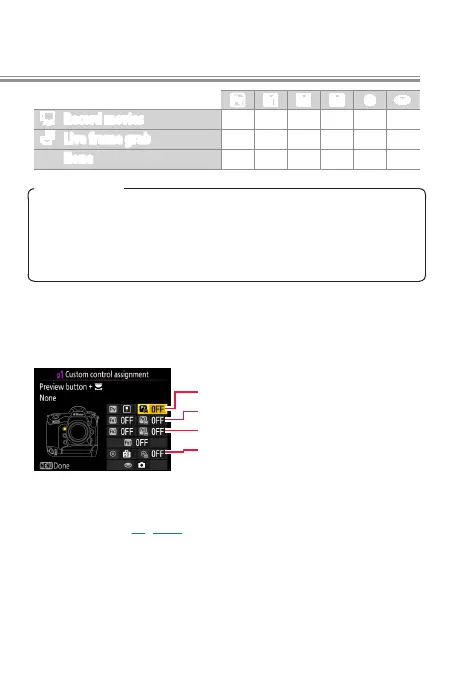
Press + y
To choose the roles played by the following controls in
combination with the command dials, highlight an option
and press the center of the multi selector:
1
Pv button + y
w
Fn1 button + y
y
Fn2 button + y
9
Center of sub-selector + y
Choose from JChoose image area and None. Selecting
the former disables the Frame size/frame rate options in
the i-button (page 23) and movie shooting menus.



 To Next Page