25
More on Movies
If Preset manual is selected for
white balance, you can use the U
button and sub-command dial to
choose a preset.
Choosing a Picture Control in Live View
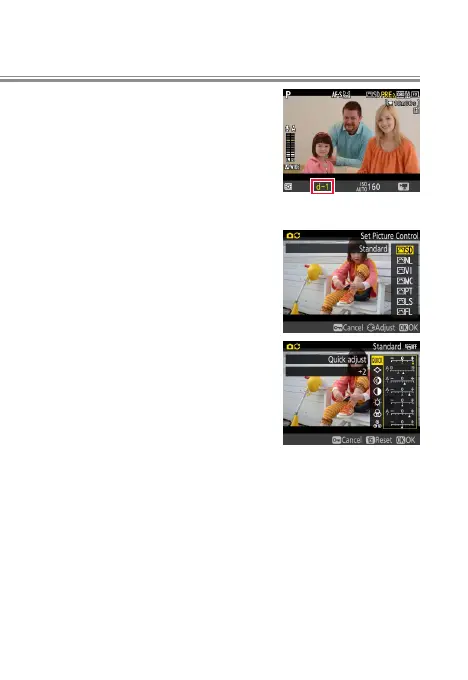
To choose a Picture Control in live
view, press the L (Z/Q) button.
The eect of the selected control
can be previewed in the monitor.
To modify the selected control, press
2.
l


 To Next Page