EasyManua.ls Logo

Nikon D5500 - Page 115

Nikon D5500
583 pages
Print Icon
To Next Page IconTo Next Page
To Previous Page IconTo Previous Page
Loading...
Copy
Pictures
to
the
Computer
Before proceeding, be sure you have
installed
ViewNX 2
(CD
92).
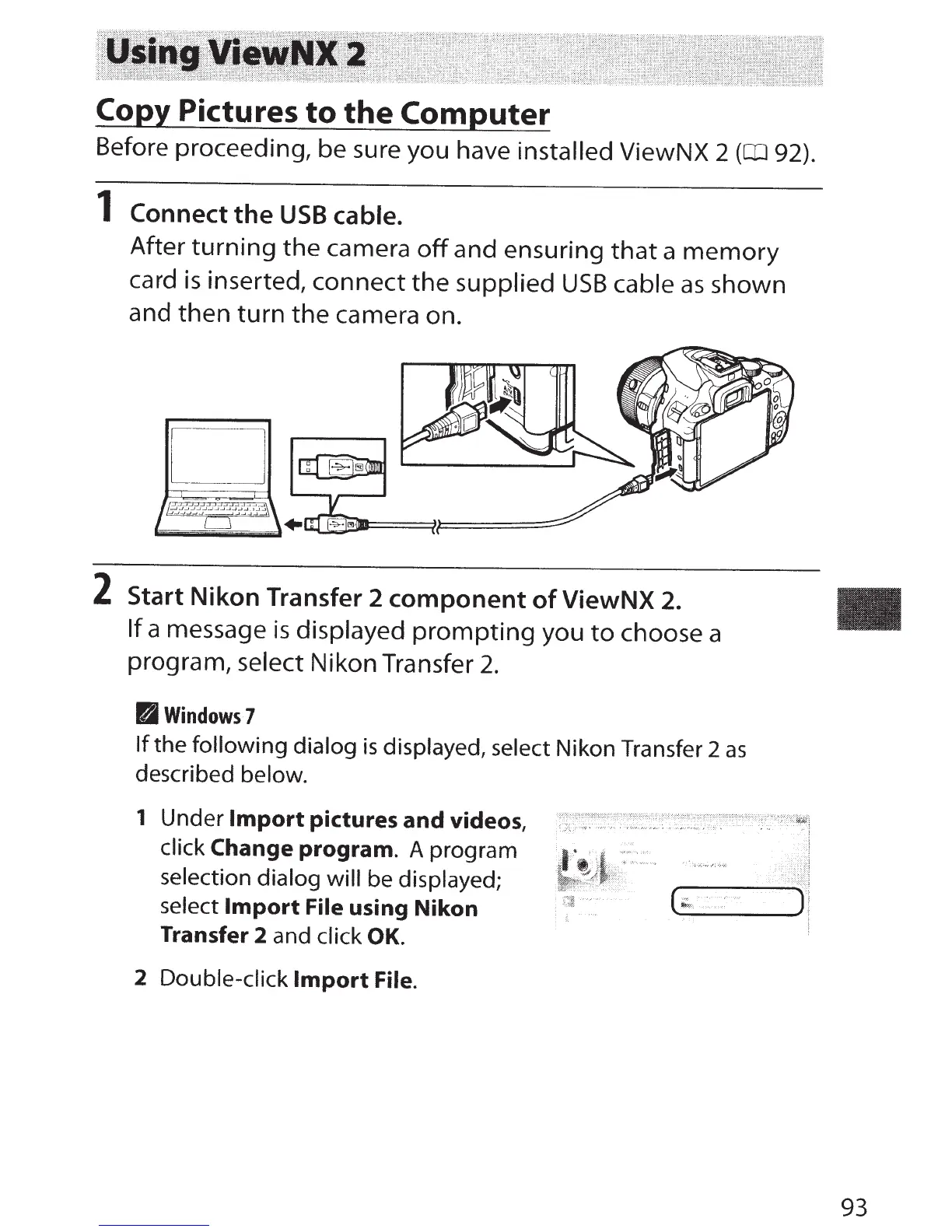
1
Connect
the
USB
cable.
After
turning
the
camera
off
and ensuring
that
a
memory
card
is
inserted, connect
the
supplied
USB
cable
as
shown
and
then
turn
the
camera on.
2 Start
Nikon
Transfer 2
component
of
ViewNX 2.
If
a message
is
displayed
prompting
you
to
choose a
program, select
Nikon Transfer
2.
B
Windows7
If
the
following dialog
is
displayed,
select
Nikon Transfer 2
as
described
below.
1 Under
Import
pictures
and
videos,
click
Change
program.
A program
selection dialog will
be displayed;
select
Import
File
using
Nikon
Transfer 2 and click
OK.
2
Double-click
Import
File.
93

Table of Contents

Other manuals for Nikon D5500

Related product manuals