123P, S, A, and M Modes
❚❚ Time
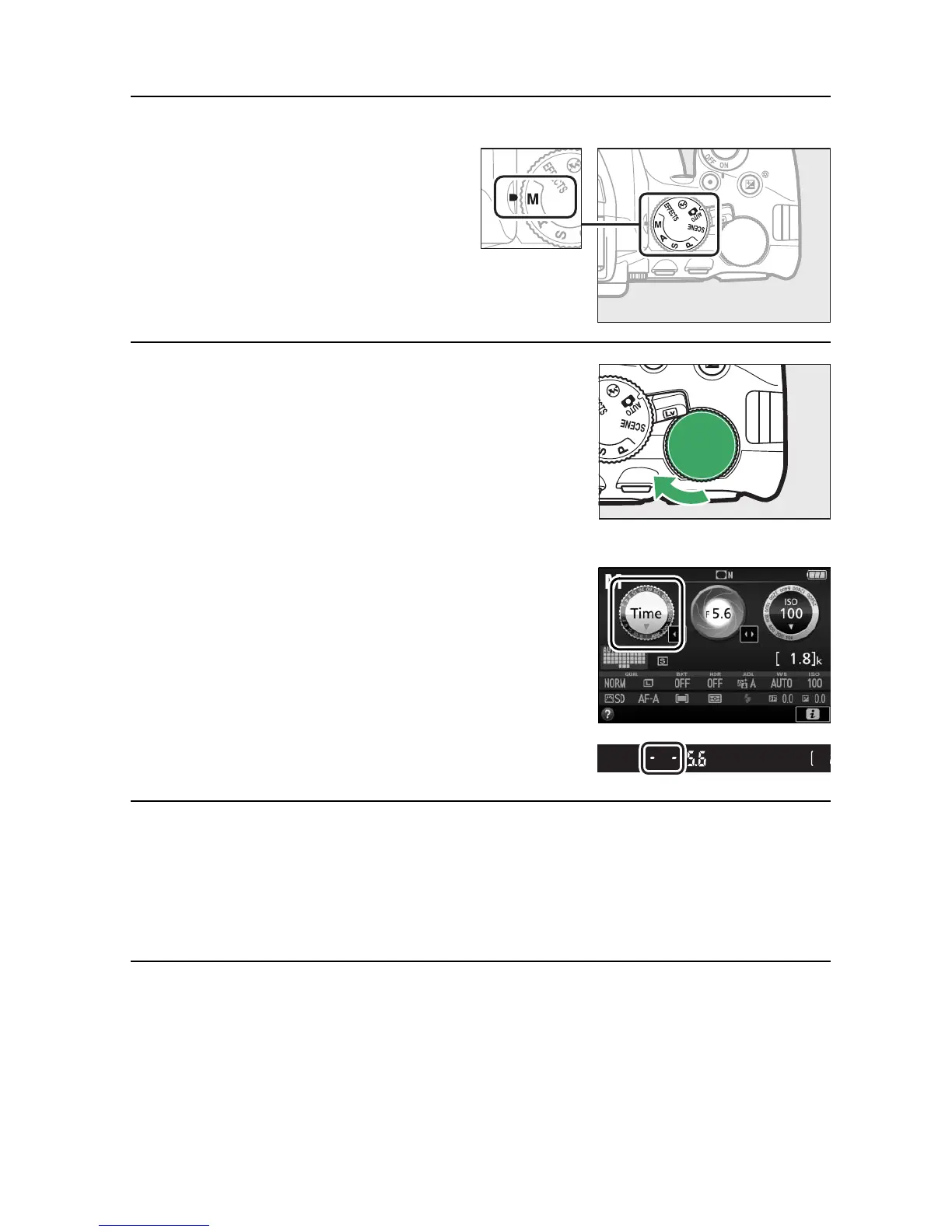
1 Rotate the mode dial to M.
2 Choose the shutter speed.
Rotate the command dial left to
choose a shutter speed of “Time” (&).
3 Open the shutter.
After focusing, press the shutter-release button on the
camera or optional remote control, remote cord, or wireless
remote controller all the way down.
4 Close the shutter.
Repeat the operation performed in Step 3.



 To Next Page