153P, S, A, and M Modes
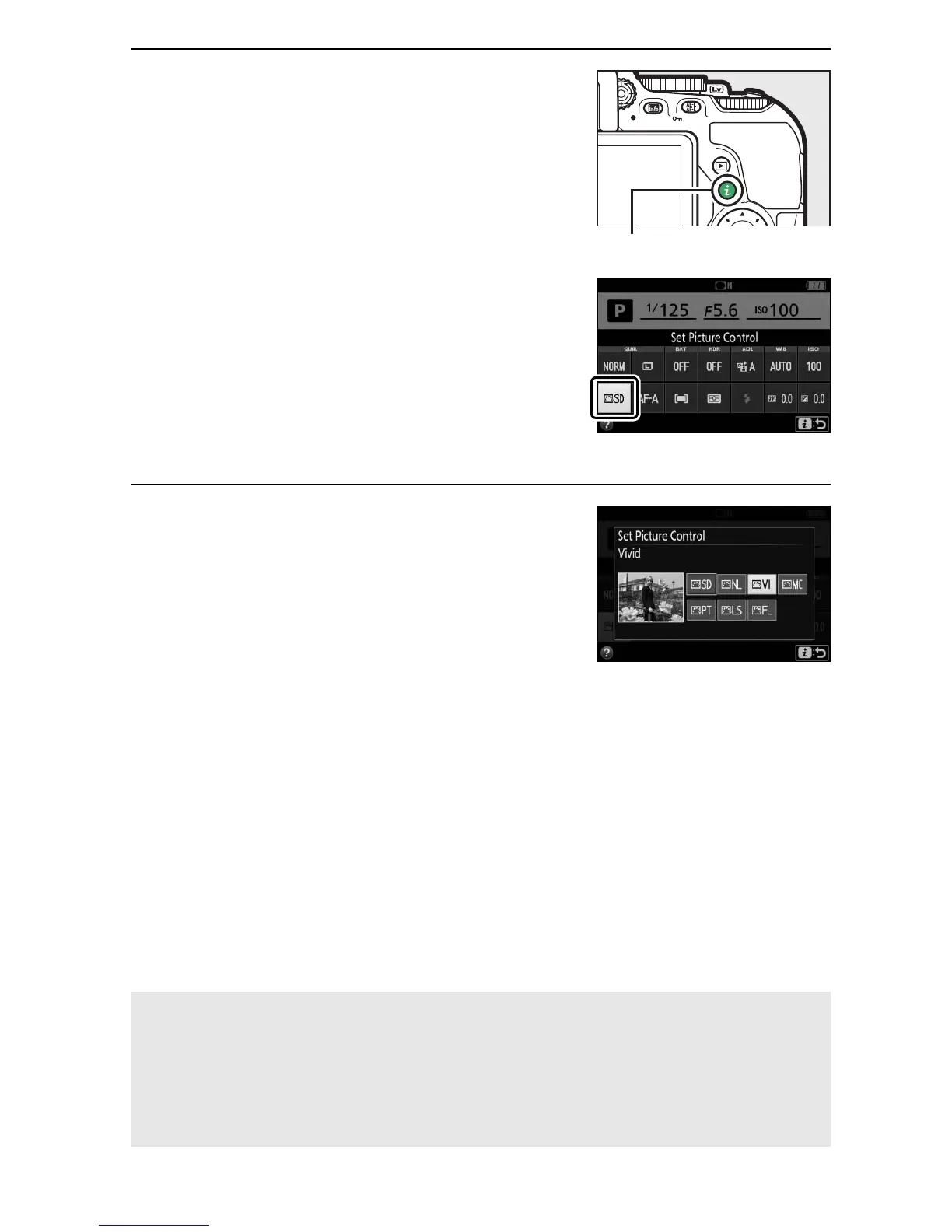
1 Display Picture Control options.
Press the P button, then highlight the
current Picture Control and press J.
2 Select a Picture Control.
Highlight a Picture Control and press
J.
A Touch Menu Navigation
Picture Controls can also be selected in the shooting menu (0 236).
When choosing an option from the Set Picture Control menu using
the touch screen (0 26), tap the option once to highlight it and again
to select it.



 To Next Page