266 A Custom Settings: Fine-Tuning Camera Settings
t
Auto
bracketing
Keeping the Fn button pressed, rotate the
command dial to choose the bracketing increment
(exposure and white balance bracketing) or to turn
ADL bracketing on or off (P, S, A, and M modes only;
0 148).
"
AF-area
mode
Keeping the Fn button pressed, rotate the
command dial to choose an AF-area mode (0 82).
'
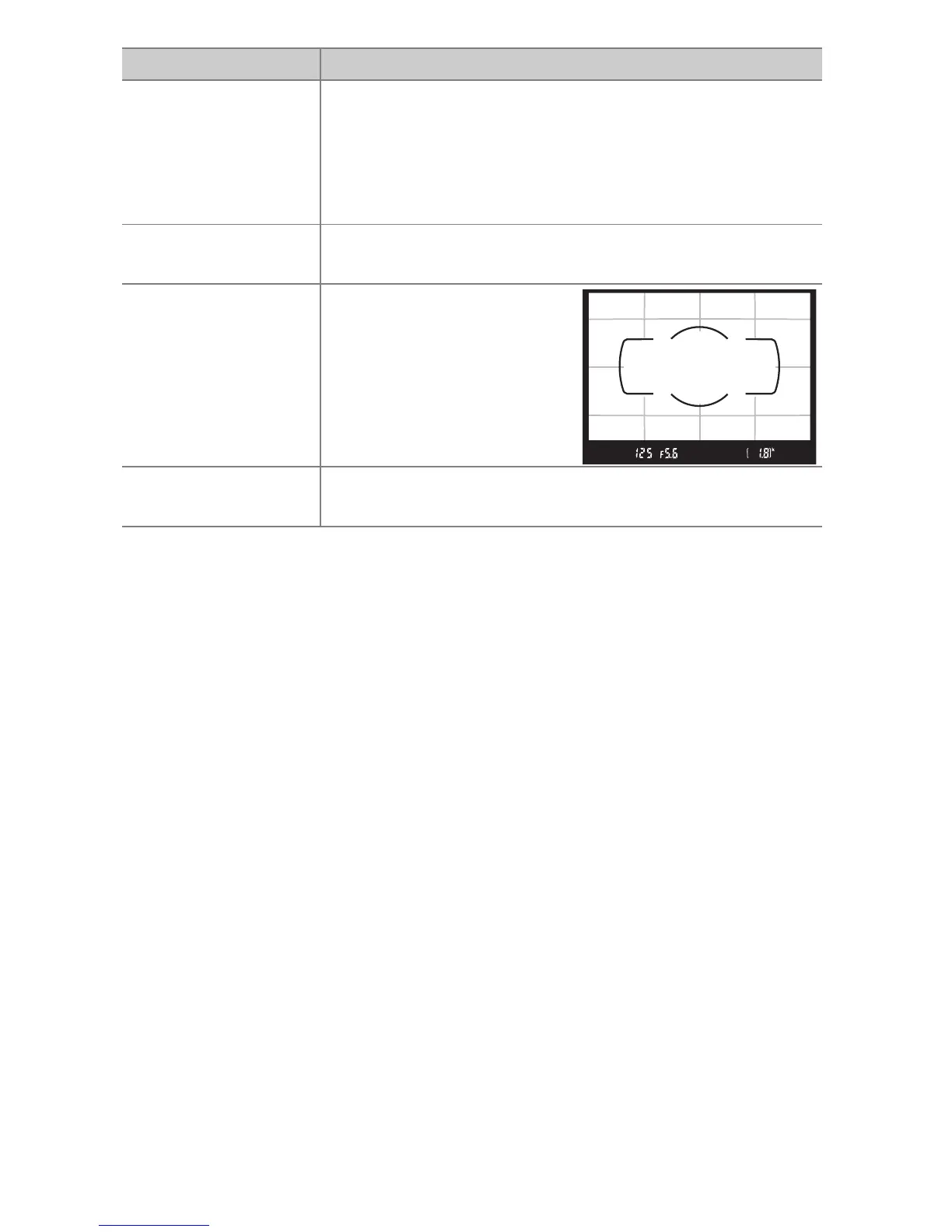
Viewfinder
grid display
Press the Fn button to
display or hide the
viewfinder framing grid.
c Wi-Fi
Press the Fn button to display the Wi-Fi menu
(0 226).
Option Description



 To Next Page