311m Recent Settings/O My Menu
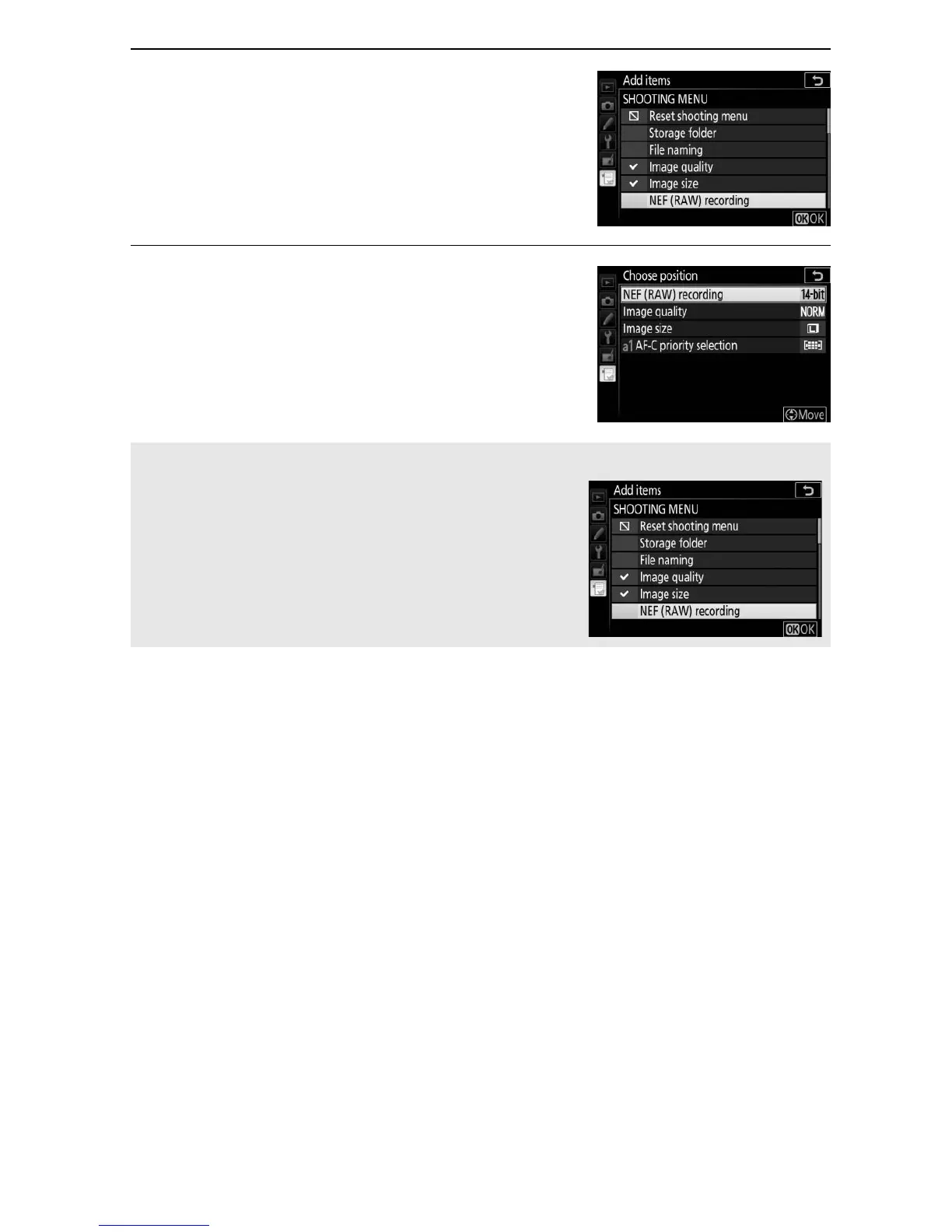
3 Select an item.
Highlight the desired menu item and
press J.
4 Position the new item.
Press 1 or 3 to move the new item up
or down in My Menu.
Press J to add
the new item.
Repeat steps 1–4 to
select additional items.
A Adding Options to My Menu
The items currently displayed in My Menu
are indicated by a check mark.
Items
indicated by a V icon can not be selected.



 To Next Page