42
B
The
Standby
Timer
(Viewfinder
Photography)
The viewfinder and information display will turn
off
if
no
operations
are
performed for about
eight
seconds,
reducing the drain on the battery.
Press
the shutter-
release
button
halfway
to
reactivate the display. The
length
of
time before the standby
timer
expires
-
-
automatically can be selected using
Custom
Setting
c2
(Auto
off
timers;
CJ
86).
Exposure meters
off
Exposure meters on
II
The
Built-in
Flash
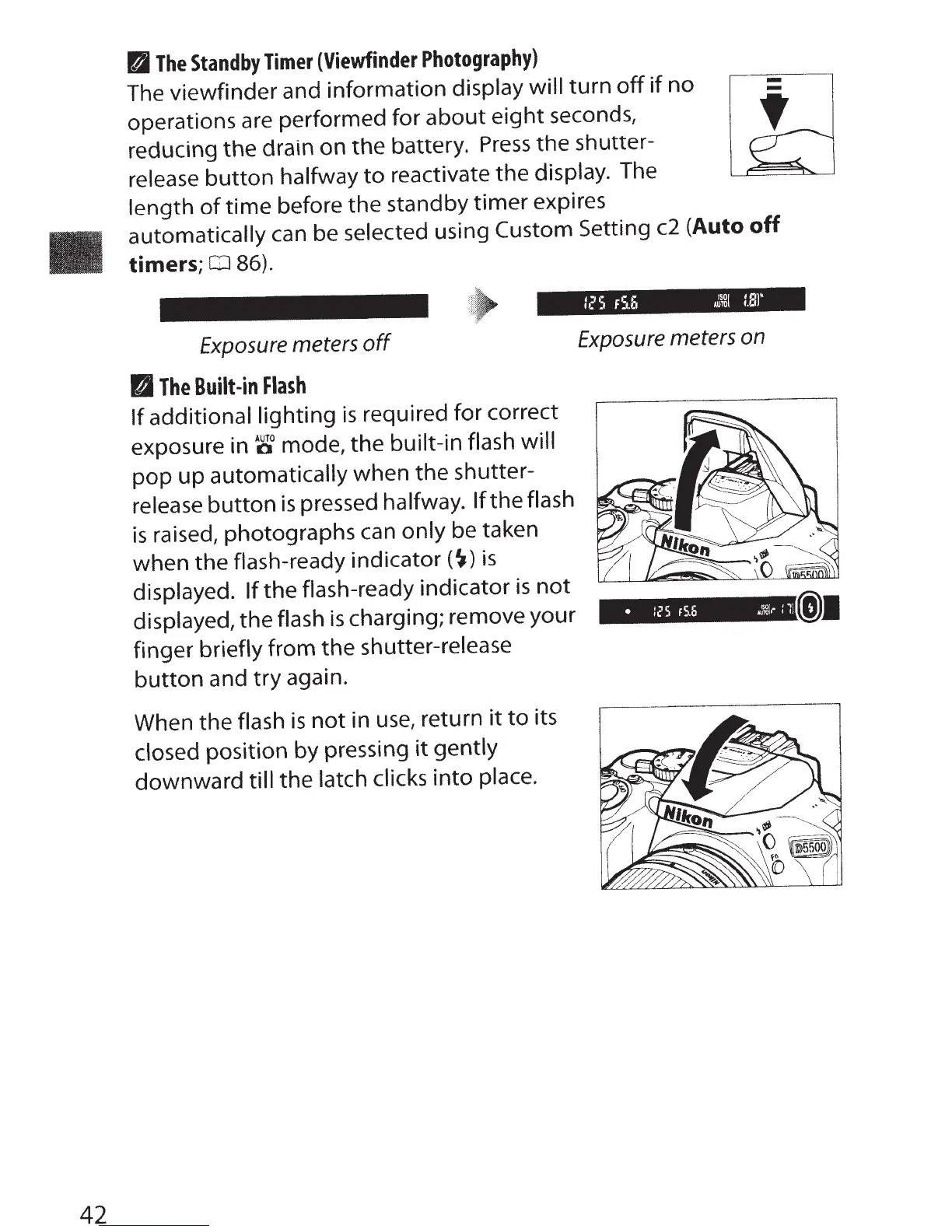
If
additional lighting
is
required for correct
exposure in
~a
mode, the built-in flash will
pop
up
automatically when the shutter-
release
button
is
pressed halfway.
If the flash
is
raised, photographs can only be taken
when the flash-ready
indicator(~)
is
displayed.
If
the flash-ready indicator
is
not
displayed, the flash
is
charging; remove your
{j)J
finger briefly from the shutter-release
button
and
try
again.
When the flash
is
not
in
use,
return
it
to
its
closed position by pressing
it
gently
downward
till the latch
clicks into place.



 To Next Page