ModeS
{Shutter-Priority Auto)
In
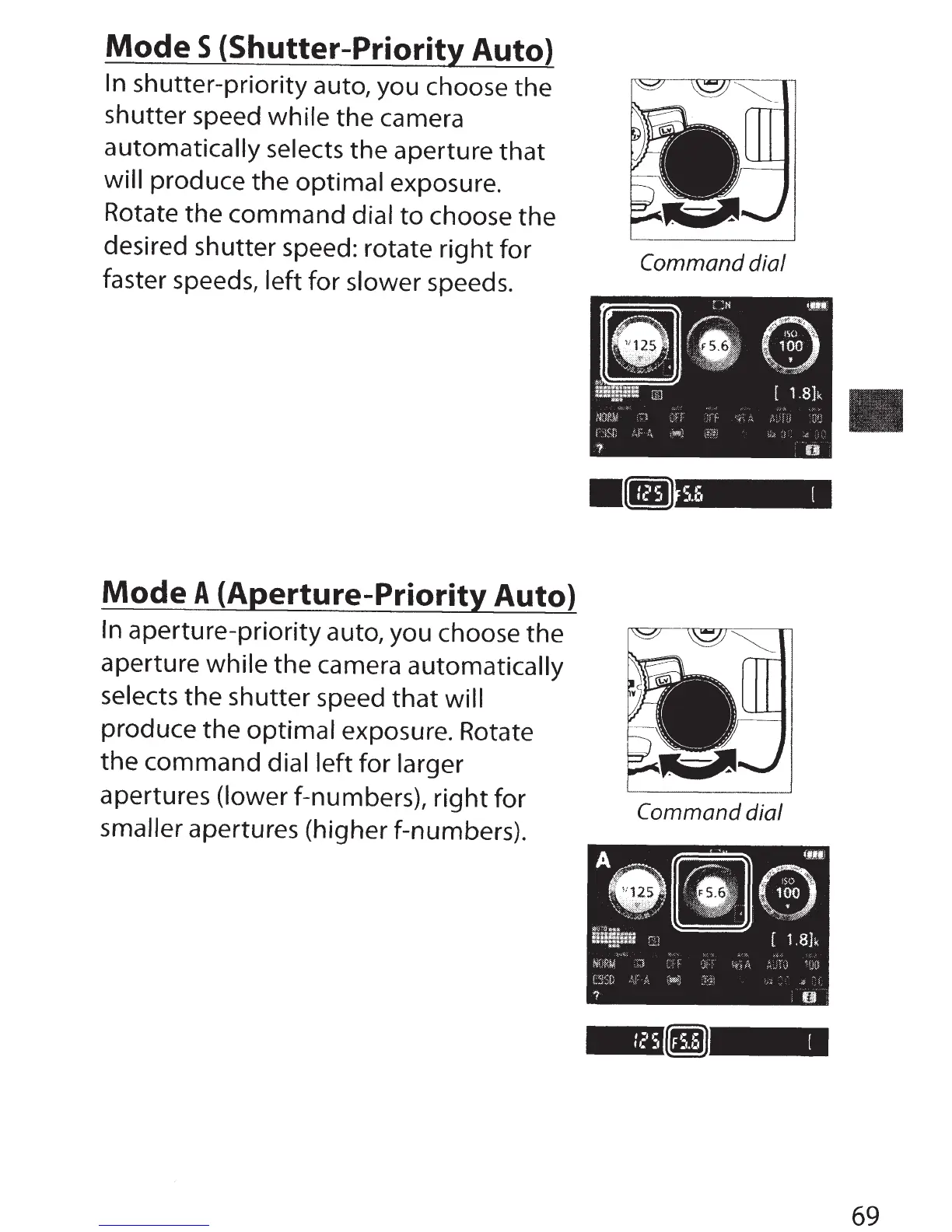
shutter-priority auto, you choose the
shutter speed while the camera
automatically selects the aperture
that
will produce the optimal exposure.
Rotate the command dial
to
choose the
desired shutter speed: rotate
right
for
faster speeds, left for slower speeds.
Mode
A
{Aperture-Priority Auto)
In
aperture-priority auto, you choose the
aperture while
the camera automatically
selects the shutter speed
that
will
produce the optimal exposure. Rotate
the command dial left for larger
apertures
(lower f-numbers),
right
for
smaller apertures (higher f-numbers).
Command
dial
•:
•:
[
.1.1.1
Command dial
69



 To Next Page