EXPOSURE COMPENSATION
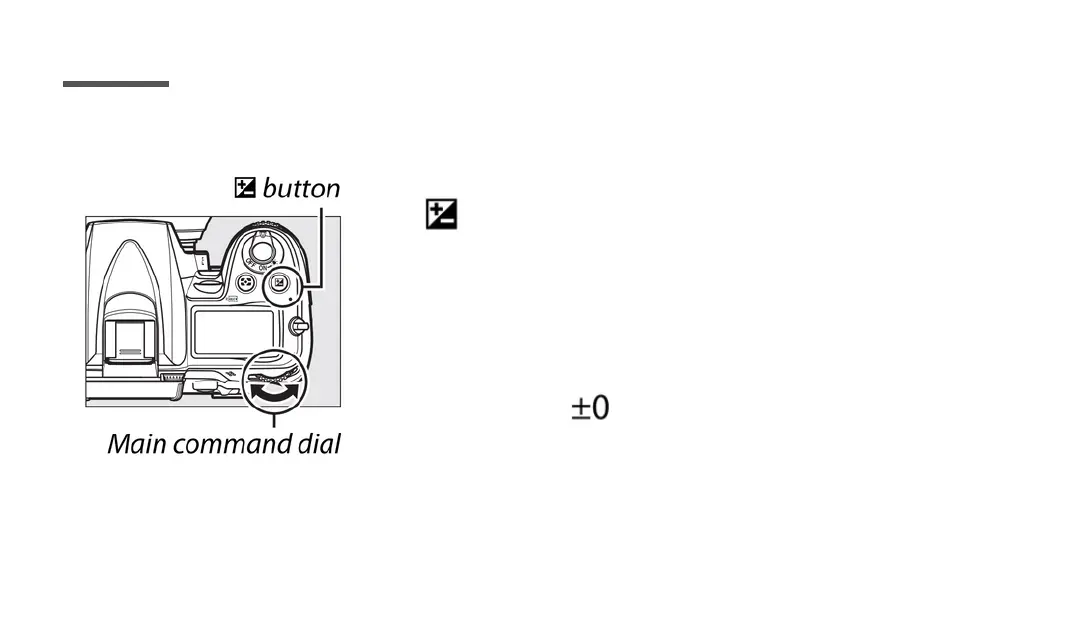
To choose a value to exposure compensation, press
the button and rotate the main command dial
until the desired value is displayed in the control panel
or viewfinder.
Normal exposure can be restored by setting exposure
compensation to . Exposure compensation is not
reset when the camera is turned off.
Page 11



 To Next Page
 Loading...











