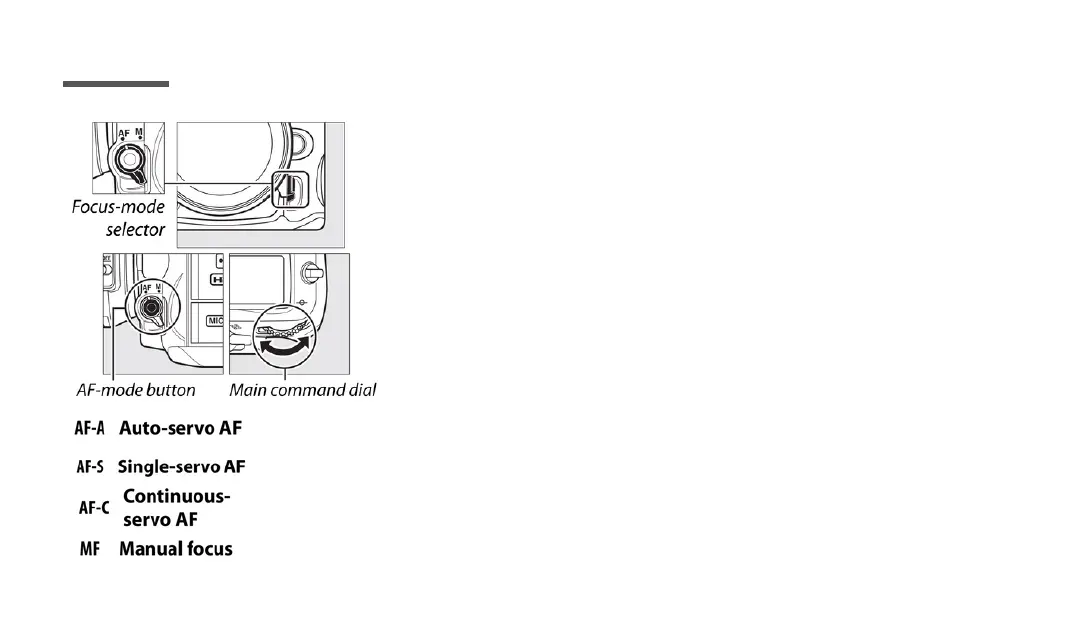
To select the autofocus mode, press the AF-
mode button and rotate the main command
dial until the desired setting is displayed in
the viewfinder or control panel.
FOCUS MODE
- Camera auto selects for stationary or moving subject
- For stationary subjects.
- For moving subjects.
- Focus manually.
Page 6



 To Next Page
 Loading...











