SELF-TIMER
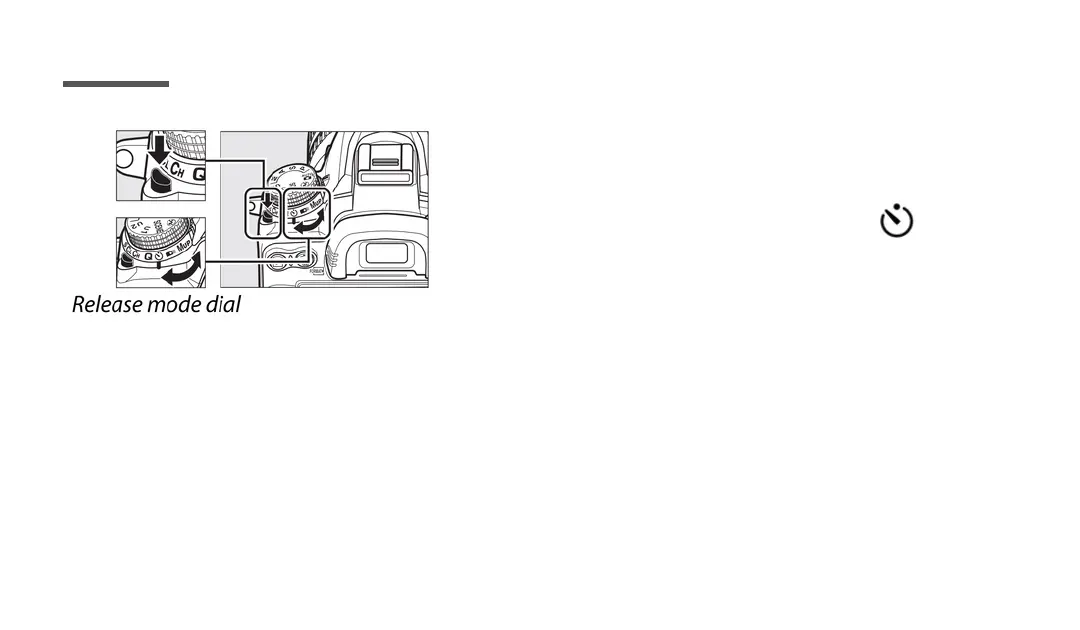
Press the release mode dial lock release
and rotate the release mode dial to .
Press the shutter-release button halfway to focus, and then press the button the
rest of the way down to start the self-timer (the timer will not start if the camera
cannot focus). The self-timer lamp will start to blink. Two seconds before the
photography is taken, then self-timer lamp will stop blinking. The shutter will be
released ten seconds after the timer starts.
Page 9



 To Next Page
 Loading...











