David Busch’s Compact Field Guide for the Nikon D72002
Introducing Menus and the Multi Selector
You’ll find descriptions of most of the controls used with the Nikon D7200 in
Chapter 2, which provides a complete “roadmap” of the camera’s buttons and
dials and switches. However, you may need to perform a few tasks during this
initial setup process, and most of them will require the MENU button and the
multi selector pad.
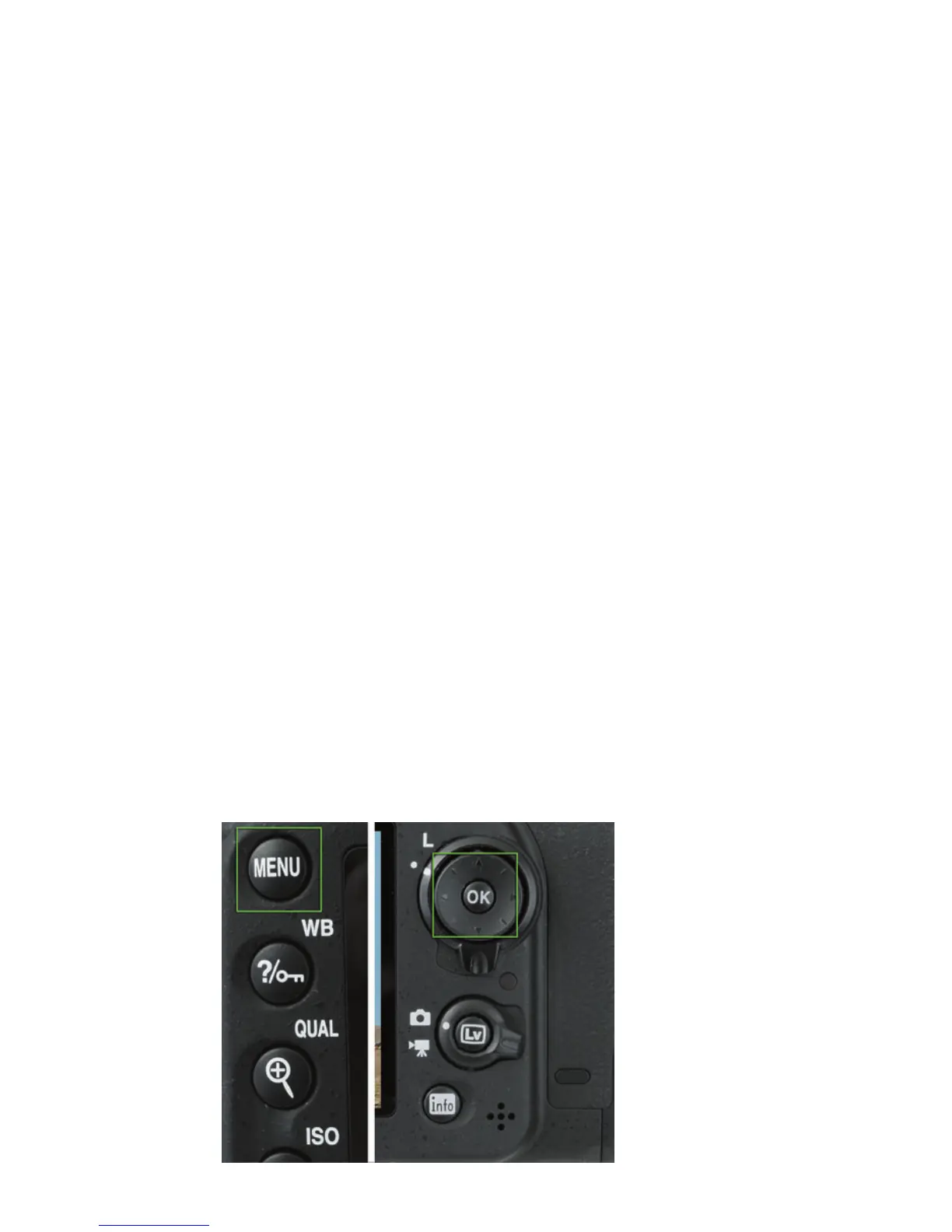
n MENU button. It’s located to the top left of the LCD. When you want to
access a menu, press it. To exit most menus, press it again. (See Figure 1.2,
left.)
n Multi selector pad. This control is a thumbpad-sized button with projec-
tions at the north, south, east, and west “navigational” positions, plus a
button in the center (see Figure 1.2, right). With the D7200, the multi
selector is used for navigation—for example, to navigate among menus on
the LCD or to choose one of the 51 focus points, to advance or reverse
display of a series of images during picture review, or to change the kind
of photo information displayed on the screen using the Info button.
n OK button. Located in the center of the multi selector pad, the OK but-
ton is used to confirm your choices and send the image currently being
viewed to the Retouch menu for modification.
Setting the Clock
The in-camera clock might have been set for you by someone checking out
your camera prior to delivery, but if you do need to set it, the flashing CLOCK
indicator roughly in the center of the monochrome top-panel LCD will be the
giveaway. Press the MENU button to the left of the LCD, and then use the
Figure 1.2
The MENU button
(left) and multi
selector pad (right).



 To Next Page