EasyManua.ls Logo

Nikon F4S - Page 24

Nikon F4S
111 pages
Print Icon
To Next Page IconTo Next Page
To Previous Page IconTo Previous Page
Loading...
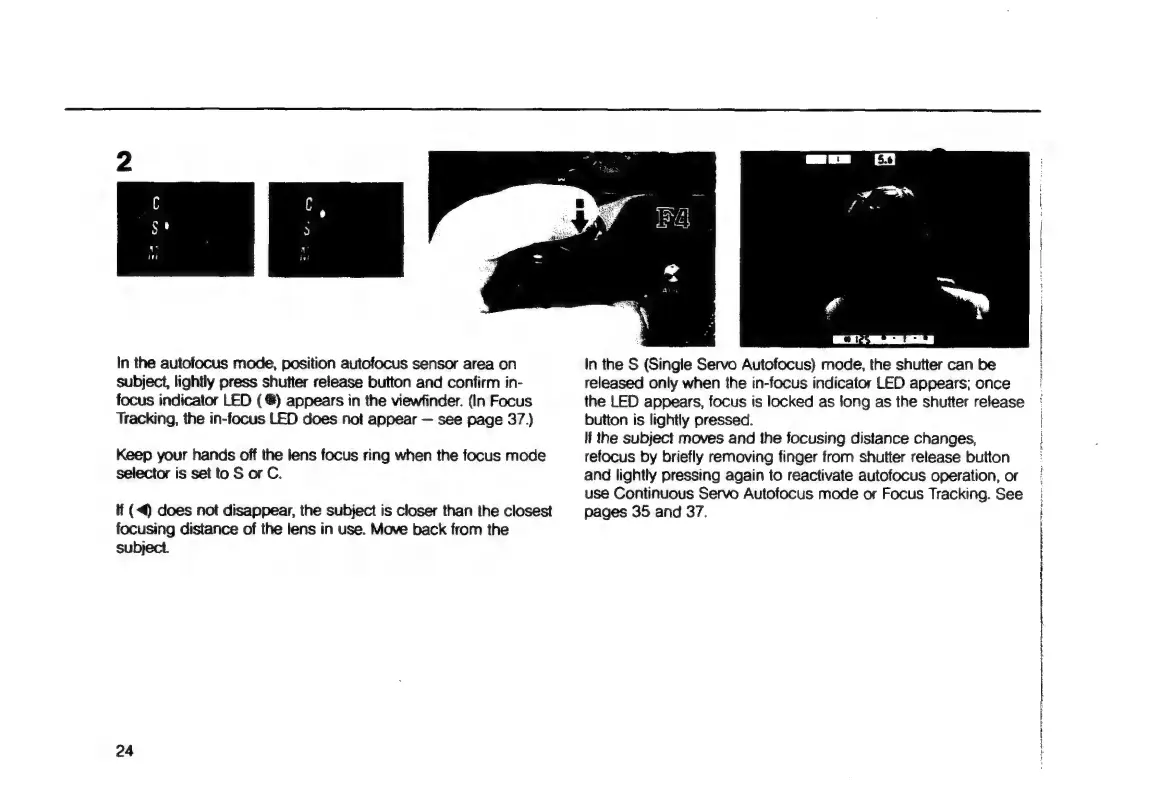
In
the
autofocus
mode,
position
autofocus
sensor
area
on
subject,
lightly
press
shutter
release
button
and
confirm
in-
focus
indicator
LED
(€)
appears
in
the
viewfinder.
(In
Focus
Tracking,
the
in-focus
LED
does
not
appear
see
page
37.)
Keep
your
hands
off
the
lens
focus
ring
when
the
focus
mode
selector
is
set
to
S
or
C.
if
(4
does
not
disappear,
the
subject
is
closer
than
the
closest
focusing
distance
of
the
lens
in
use.
Move
back
from
the
subject.
24
WC
+A
in
the
S
(Single
Servo
Autofocus)
mode,
the
shutter
can
be
released
only
when
the
in-focus
indicator
LED
appears;
once
the
LED
appears,
focus
is
locked
as
long
as
the
shutter
release
button
is
lightly
pressed.
lf
the
subject
moves
and
the
focusing
distance
changes,
refocus
by
briefly
removing
finger
from
shutter
release
button
and
lightly
pressing
again
to
reactivate
autofocus
operation,
or
use
Continuous
Servo
Autofocus
mode
or
Focus
Tracking.
See
pages
35
and
37.
A
pa
ap
e:
die
i
a
re
AAA
NARA
ct
CI
RT
OI
A A
EE
TE
TP
ADT
ATA
A

Table of Contents

Related product manuals