EasyManua.ls Logo

Nikon F4S - Multiple Exposure Lever

Nikon F4S
111 pages
Print Icon
To Next Page IconTo Next Page
To Previous Page IconTo Previous Page
Loading...
i
MULTIPLE
EXPOSURE
LEVER
a
Note
that
in
multiple
exposure
operation,
exposure
compensa-
tion
is
required
depending
on
subject
brightness,
background
brightness
and
number
of
exposures.
You
must
determine
the
necessary
exposure
compensation
and
make
the
adjustment.
To
cancel
multiple
exposure
betore
releasing
shutter,
push
the
multiple
exposure
lever
back
to
the
original
position.
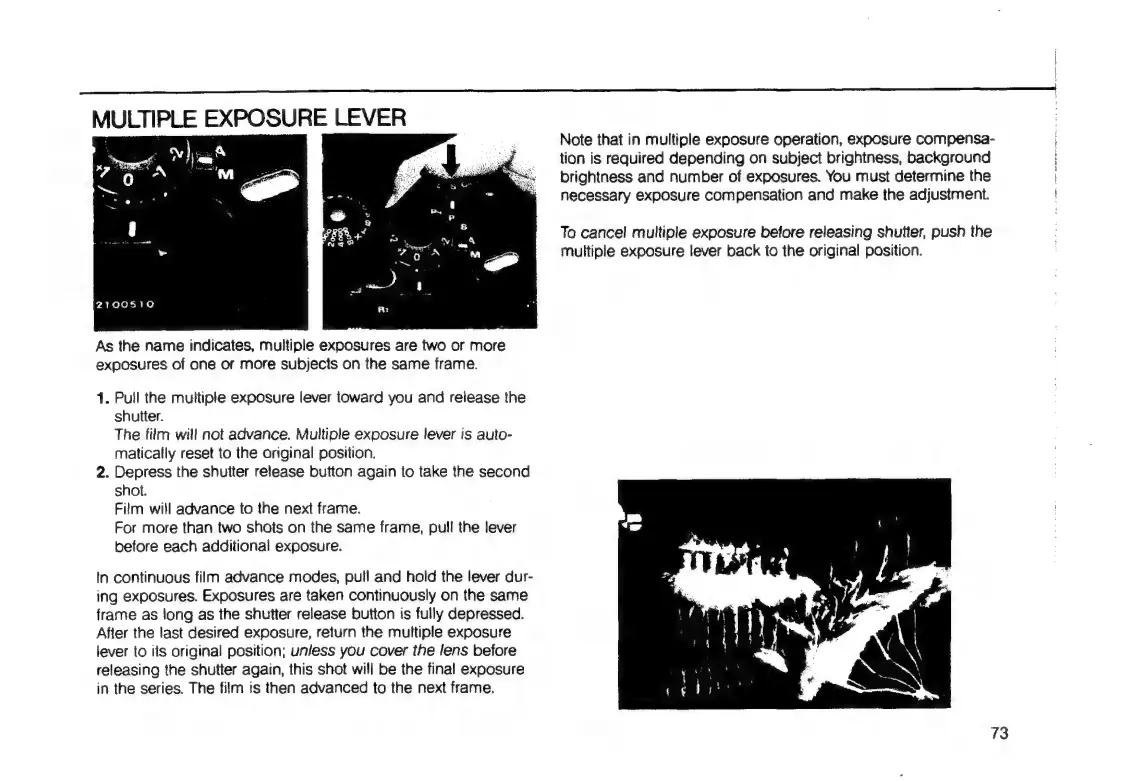
As
the
name
indicates,
multiple
exposures
are
two
or
more
exposures
of
one
or
more
subjects
on
the
same
frame.
1.
Pull
the
multiple
exposure
lever
toward
you
and
release
the
shutter.
The
film
will
not
advance.
Multiple
exposure
lever
is
auto-
matically
reset
to
the
original
position.
2.
Depress
the
shutter
release
button
again
to
take
the
second
shot.
Film
will
advance
to
the
next
frame.
For
more
than
two
shots
on
the
same
frame,
pull
the
lever
before
each
additional
exposure.
In
continuous
film
advance
modes,
pull
and
hold
the
lever
dur-
ing
exposures.
Exposures
are
taken
continuously
on
the
same
frame
as
long
as
the
shutter
release
button
is
fully
depressed.
Afier
the
last
desired
exposure,
return
the
multiple
exposure
lever
to
its
original
position;
unless
you
cover
the
lens
before
releasing
the
shutter
again,
this
shot
will
be
the
final
exposure
in
the
series.
The
film
ts
then
advanced
to
the
next
frame.
73

Table of Contents

Related product manuals