16
BASIC OPERATION continued
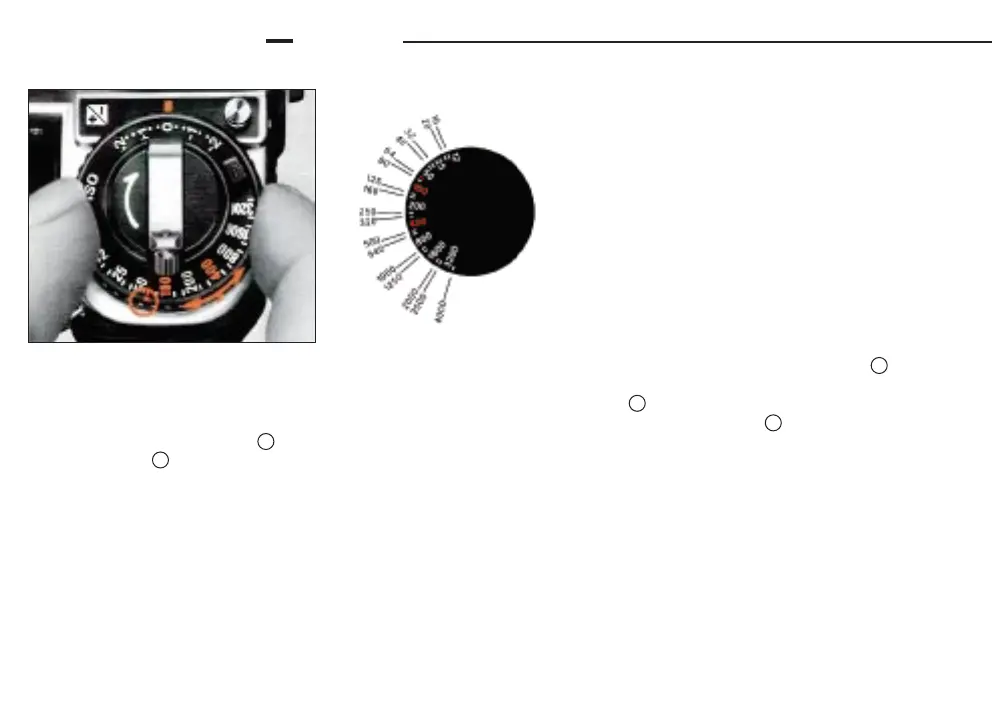
SETTING FILM SPEED
To program the camera to give the correct exposure with a
particular film, you must set the camera to the correct film speed
Lift up the ASA/ISO film speed ring and rotate it in either
direction until the red index dot is opposite the film speed in
use. The scale on the ASA/ISO dial has settings from
ASA/ISO 12 to 4000 Two lines between each number stand for
intermediate settings, such as 64, 80, etc.
The film speed, indicated by an ASA/ISO number printed on
both the film carton and cartridge, is a numerical rating of the
film's sensitivity to a given amount of light: the higher the
number, the greater the sensitivity, and vice versa.
• Make sure that the exposure compensation dial is set
at 0. If not, turn the dial until the 0 click stops opposite the
red index line while depressing the exposure
compensation dial locking button .
53
51
59
55
56













 To Next Page