20
BASIC OPERATION continued
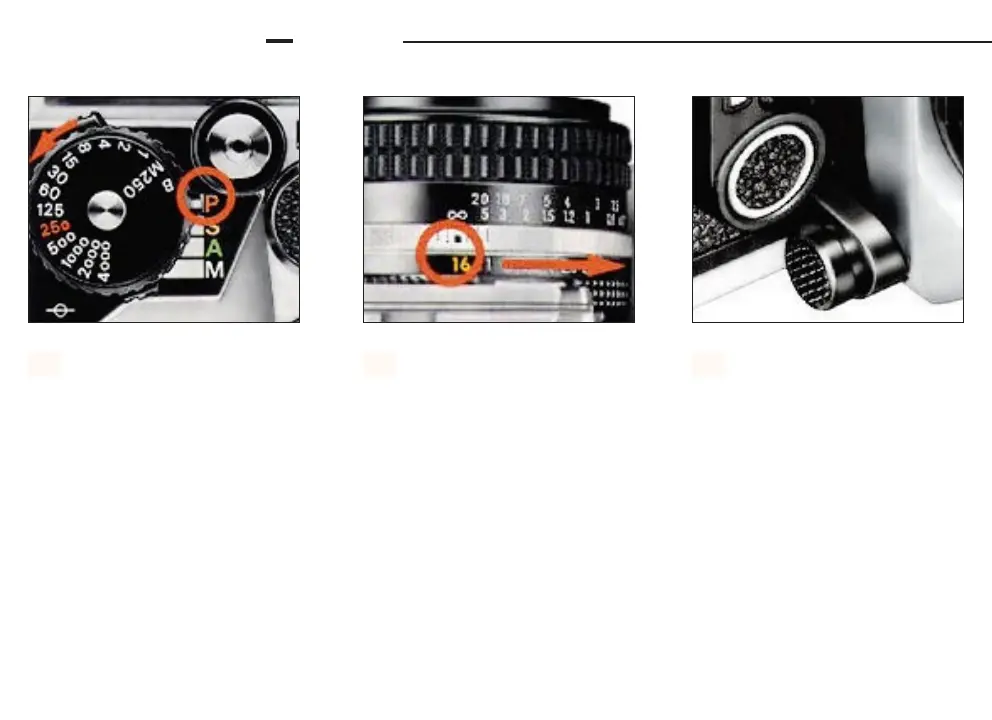
P (PROGRAMMED) MODE
Set the mode selector to P.
1.
Set the lens to it’s minimum
aperture (the largest f-num-
ber). The shutter speed dial can be
set at any position except M250 and B
2.
Confirm that automatic multi-
pattern metering is in opera-
tion by making sure that the metering
control button is in the normal “out”
position and the red index is not on
top (refer to page 40 for more
information).
3.













 To Next Page