51
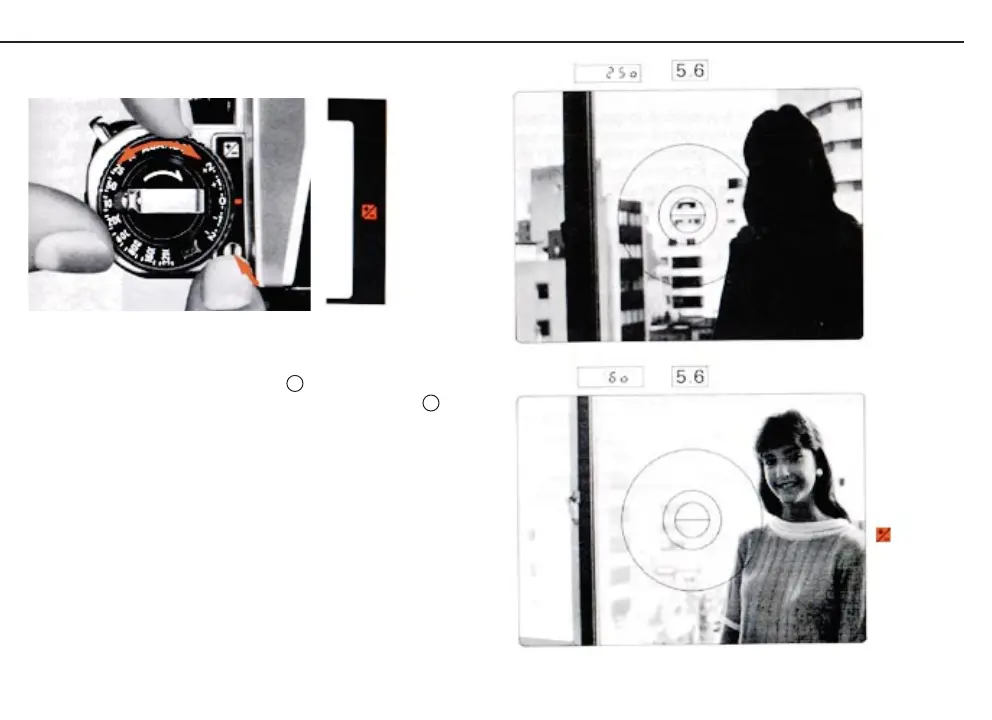
To operate, press the locking button and turn the dial until the
desired compensation value is opposite the red index .As a
reminder, a red LED exposure compensation mark (+/-) appears
on the right side of the viewfinder as soon as the exposure
meter is turned on
After use, make sure you reset the dial so that 0 is opposite the
index
59
51













 To Next Page