- BASIC
OPERATION-continued----------
-----;:
6
Mount
the
lens
onto
the
camera.
• Lenses which are usable with the Nikon FG-20
are AI-S Nikkor, Nikon Series
E,
AI-Nikkor, most
AI-
modified Nikkor, and certain special lenses. (For
details about usable lenses, refer to page 54,)
To
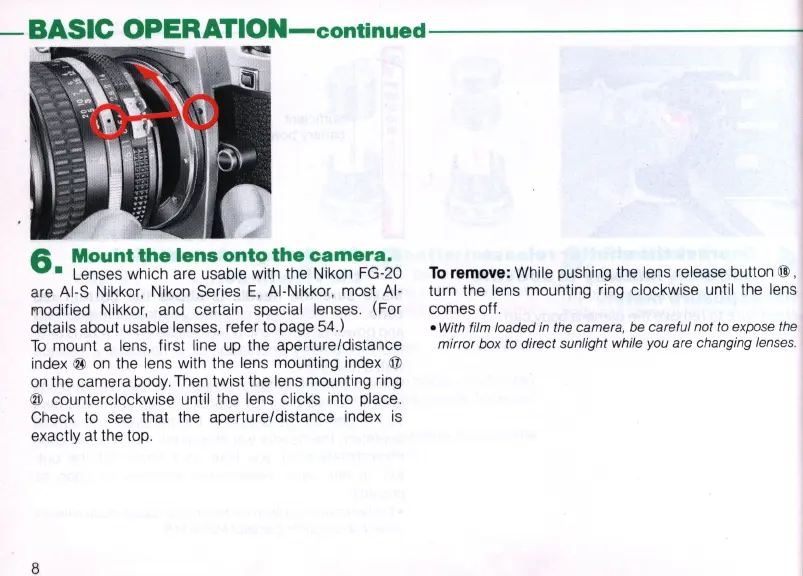
mount a lens, first line
up
the aperture/distance
index
®
on
the lens with the lens mounting index @
on
the camera body.
Then
twist the lens mounting
ring
® counterclockwise until the lens clicks into place.
Check to see that the aperture/distance index
is
exactly
at
the top.
8
To
remove
: While pushing the lens release button @ ,
turn the lens mounting
ring
clockwise until the lens
comes off.
• With film loaded
in
the camera, be careful not to expose
th
e
mirror box to direct sunlight while you are changing lenses.



 To Next Page