EasyManua.ls Logo

Nikon FG - Page 12

Nikon FG
63 pages
Print Icon
To Next Page IconTo Next Page
To Previous Page IconTo Previous Page
Loading...
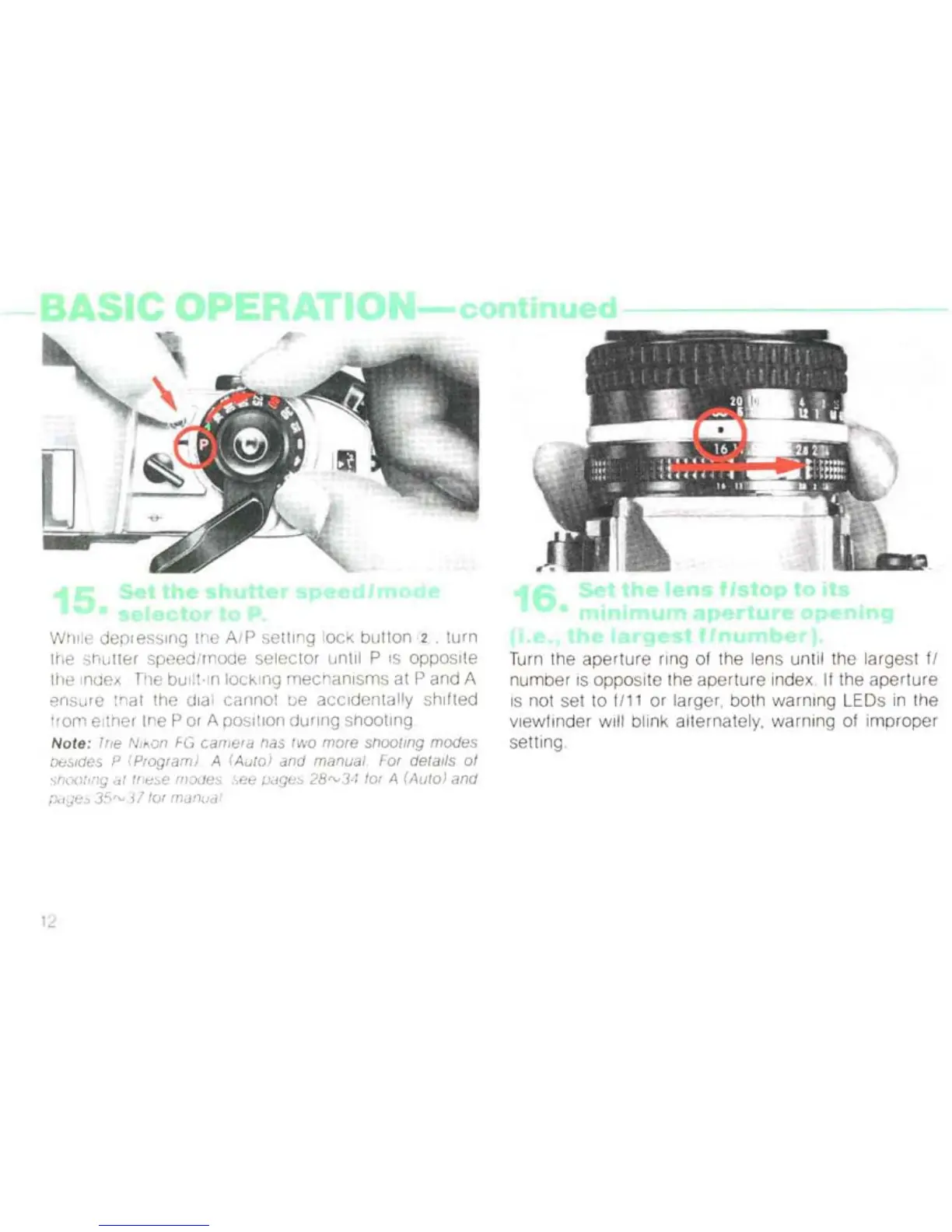
While depressing the AlP setting lock
button
(2 . turn
th
e srlutte r spee
d/
mode selector until P
is
opposite
[fI
e Index The
bU
ilt-In l
oc
king
mec
ha
ni
sms at P and A
en
su
re trla t
th
e
di
al carmot be accidentally shifted
tram eltrler- the P or A pos ition
dur
ing shooting
Note
: Tfle Nikon FG
ca
mera
tlas two m
or
e sh
oali
ng
modes
oesldes P
(P
rogra
m)
A (Auto) a
nd
m
anua
l For
det
ails
of
st-;oot
lng
"I
tn
c:
"e
mo
Ue
s
,s
ee
;Jage0
28,
v3
,1 for A (Auto) a
nd
[JdJ8
"
35,
v
37
tor
manua
l
il
Turn the aperture ring
of
the lens until the largest fl
numb
er IS
oppo
site the aperture index,
If
the a
pertur
e
IS
not set to
t111
or larger, both
warning
LEDs
in
the
viewfin
der
will blink alternately, warning of
improp
er
setting

Related product manuals