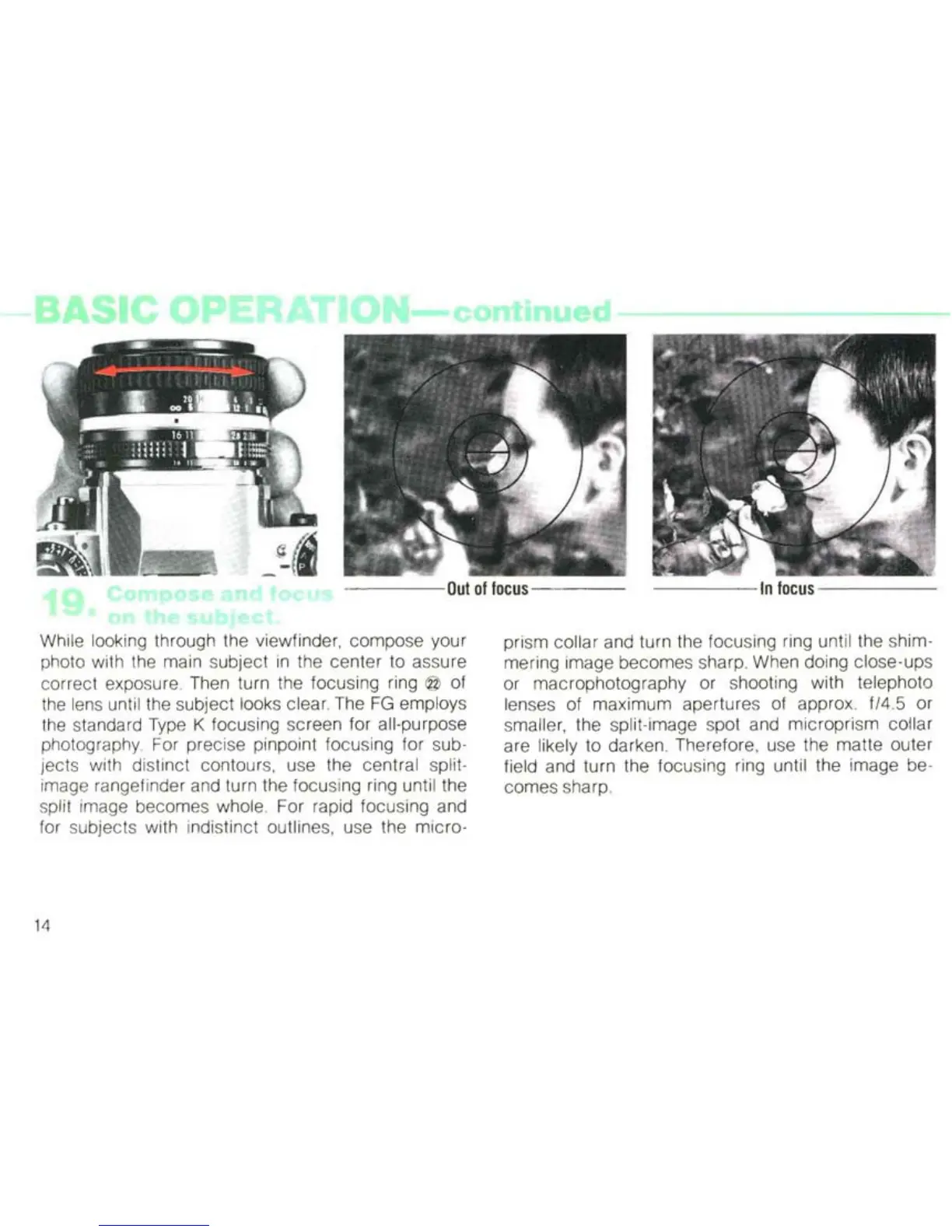
While looking through the viewfinder, compose your
photo with the main subject
in
the center to assure
correct exposure. Then turn the focusing ring
@ of
the lens until the subject looks clear. The
FG
employs
the standard Type K focusing screen for all-purpose
photography. For precise pinpoint focusing for sub-
jects with distinct contours, use the central split-
image rangefinder and turn the focusing ring until the
split image becomes whole. For rapid focusing and
for subjects with indistinct outlines, use the micro-
14
prism collar and turn the focusing ring until the shim-
mering image becomes sharp. When doing close-ups
or macrophotography or shooting with telephoto
lenses of maximum apertures of approx.
f/4.5 or
smaller, the split-image spot and microprism collar
are likely to darken. Therefore, use the matte outer
field and turn the focusing ring until the image be-
comes sharp.



 To Next Page