If meter has automatica
ll
y tumed off and the LCD panel
is
off, tum meter on again by lightly pressing shutter
re
lease
button.
With lenses having
no
CPU, F- - appears
instead of aperture value
in
LCD panel and
viewfinder.
With AI-type lenses includi
ng
AI-modified Nikkor
lenses: Confirm aperture value on lens barrel.
With lenses having fixed aperture, such as Reflex-
Nikkor lenses: Aperture cannot be changed.
With lenses having no auto diaphragm such as PC-
Nikkor lenses: Switch to Manual exposure mode (pp. 63-
66).
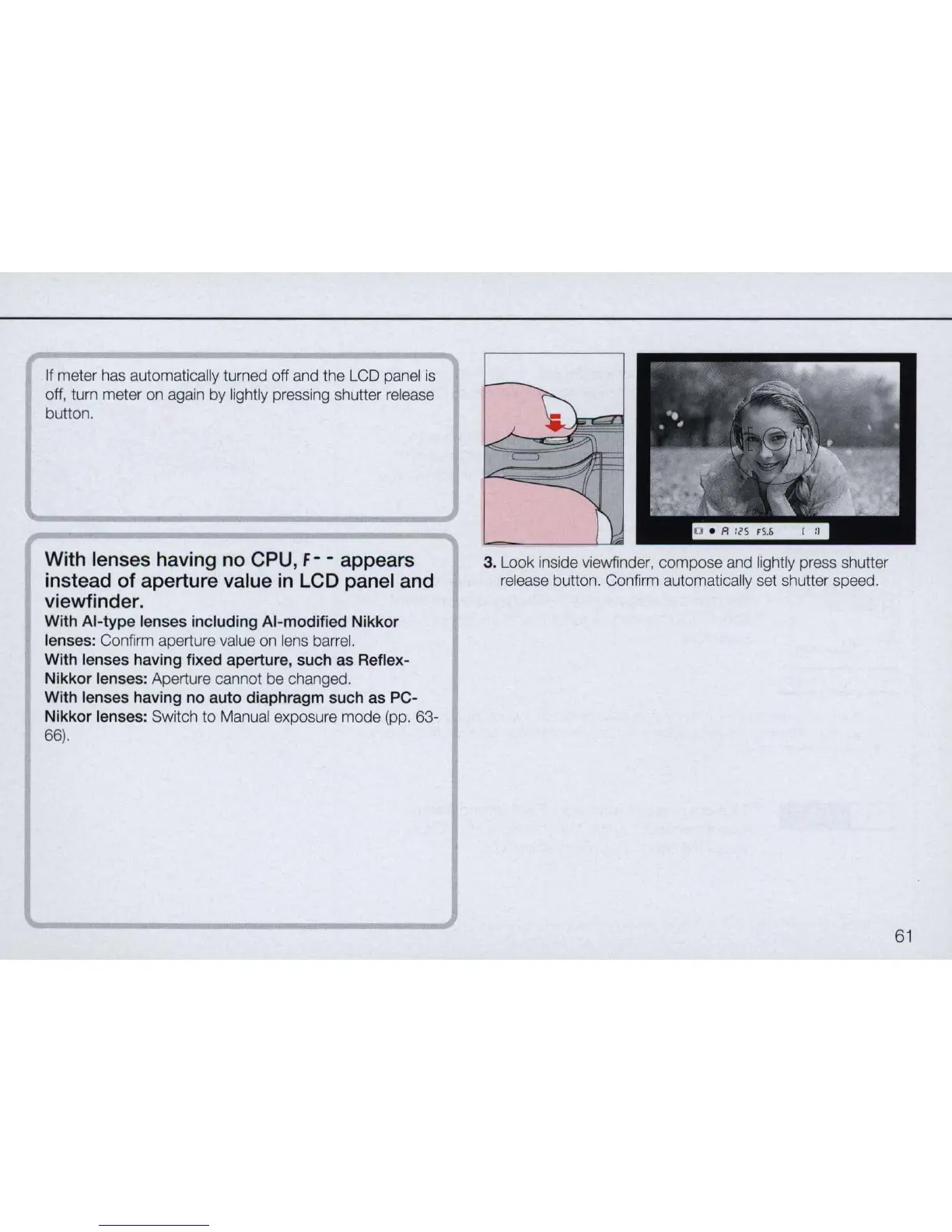
3. Look inside viewfinder, compose and lightly press shutter
release button. Confirm automatically set shutter speed.
61


 To Next Page