OPERATION
IN
MANUAL EXPOSURE MODE
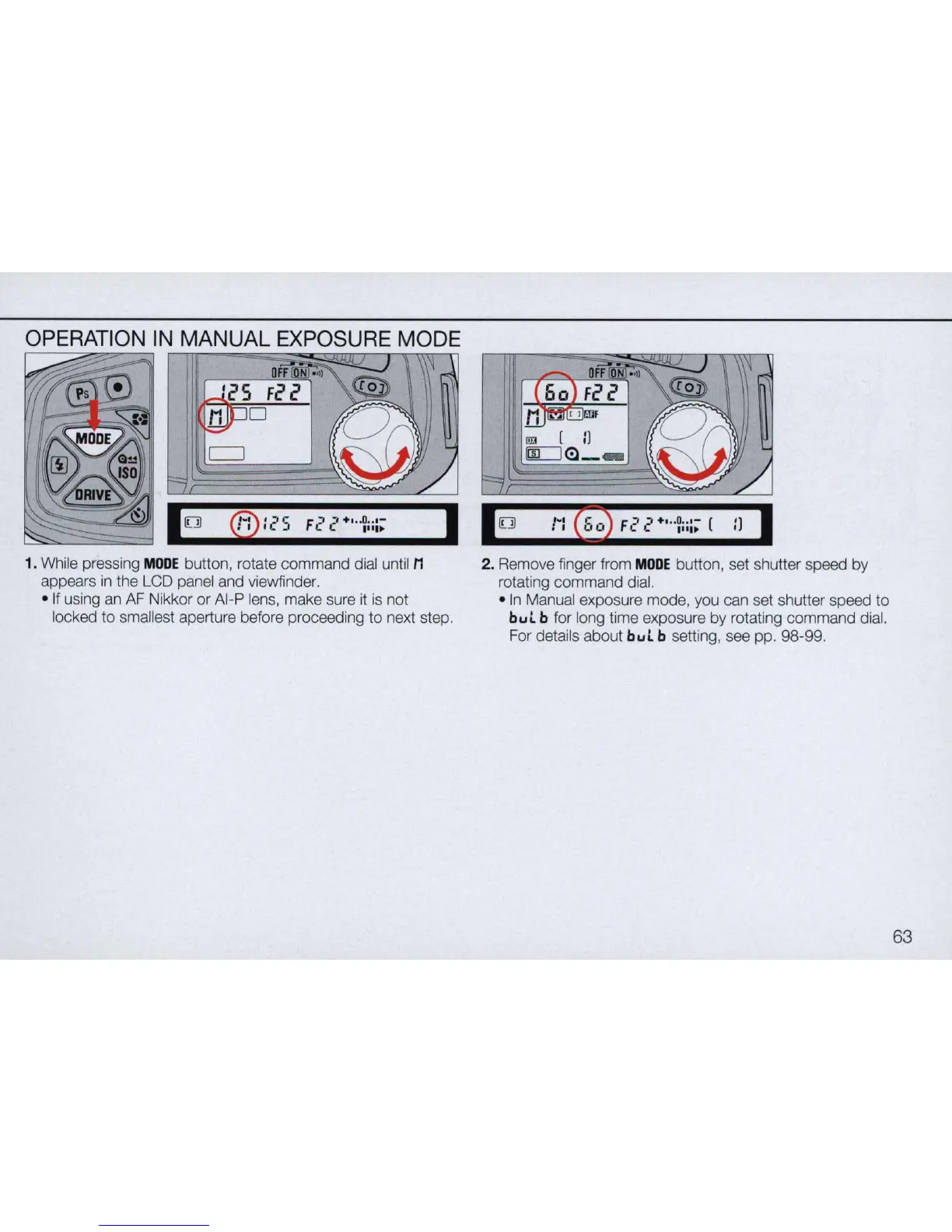
1. While pressing
MODE
button, rotate command dial until M
appears
in
the LCD panel and viewfinder.
I
• If using an
AF
Nikkor or AI-P lens, make sure it is not
locked
to
smallest aperture before proceeding to next step.
2. Remo
ve
finger from
MODE
button, set shutter speed by
rotating command dial.
•
In
Manual exposure mode, you can set shutter speed
to
bul
b for long time exposure by rotating command dial.
For details about
bul
b setting, see
pp
. 98-99.
63



 To Next Page