-
CONTROLS
IN
DETAIL-
continued
------
~
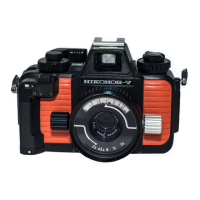
Aperture
Seffing
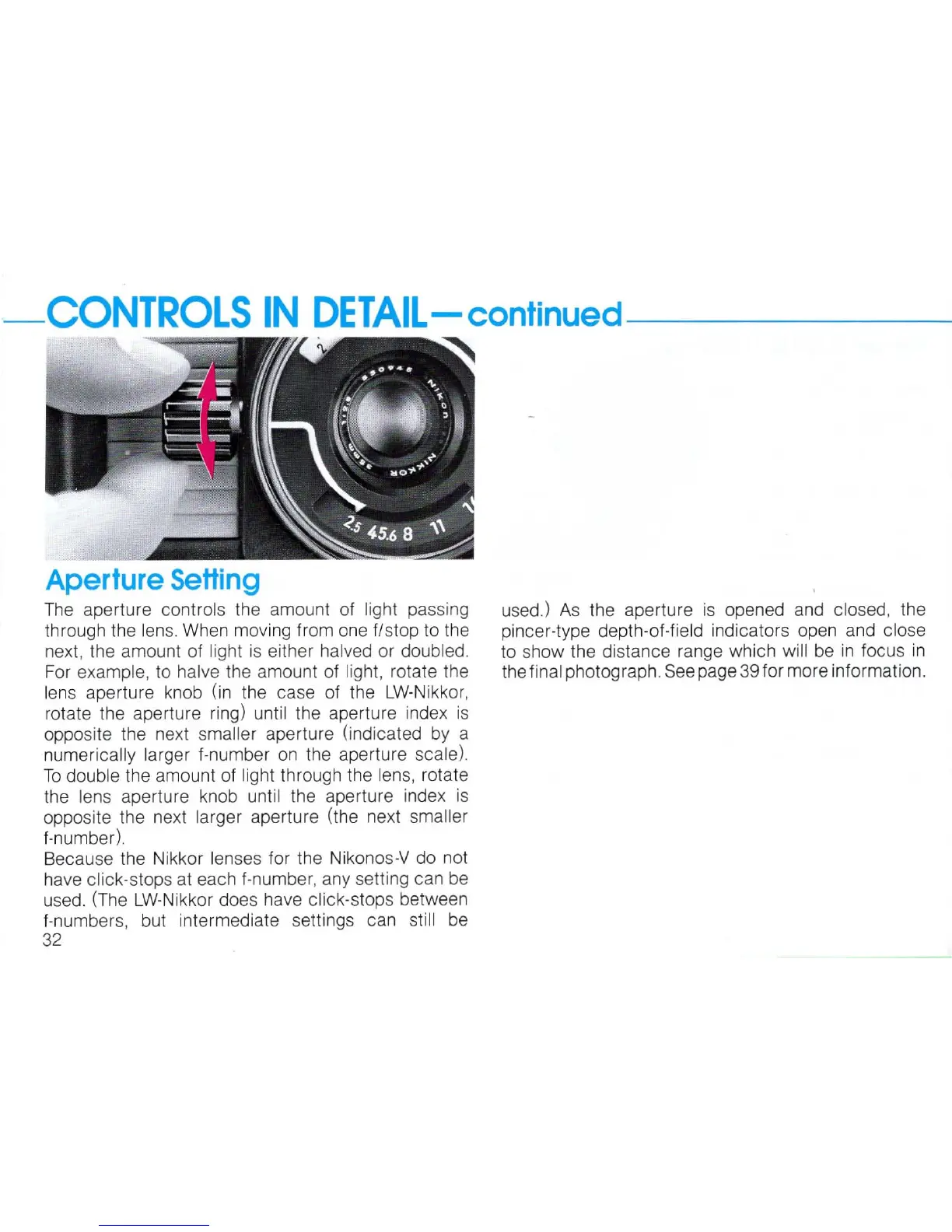
The
aperture controls
th
e amount of light passing
through the
lens.
When
moving from one
flstop
to the
next, the amount of
light is either halved or doubled.
For
example,
to
ha
lve the amount of light, rotate the
lens aperture knob (in the case of the
LW-Nikkor,
rotate the aperture ring) until the aperture index
is
opposite the next smaller aperture (indicated
by
a
numerically larger f-number
on
the aperture scale).
To
double the amount of light through the lens, rotate
the
lens aperture knob until the aperture index
is
opposite the next larger aperture (the next smaller
f-number).
Because the Nikkor
lenses for the Nikonos-V do not
have
click-stops at each f-number, any setting can
be
used.
(The
LW-Nikkor
does have click-stops between
f-numbers, but intermediate settings can
still
be
32
used.)
As
the aperture is opened and closed, the
pincer-type depth-of-field indicators open and
close
to
show the distance range which will
be
in
focus
in
the final photograph.
See
page
39
for more information.


 To Next Page