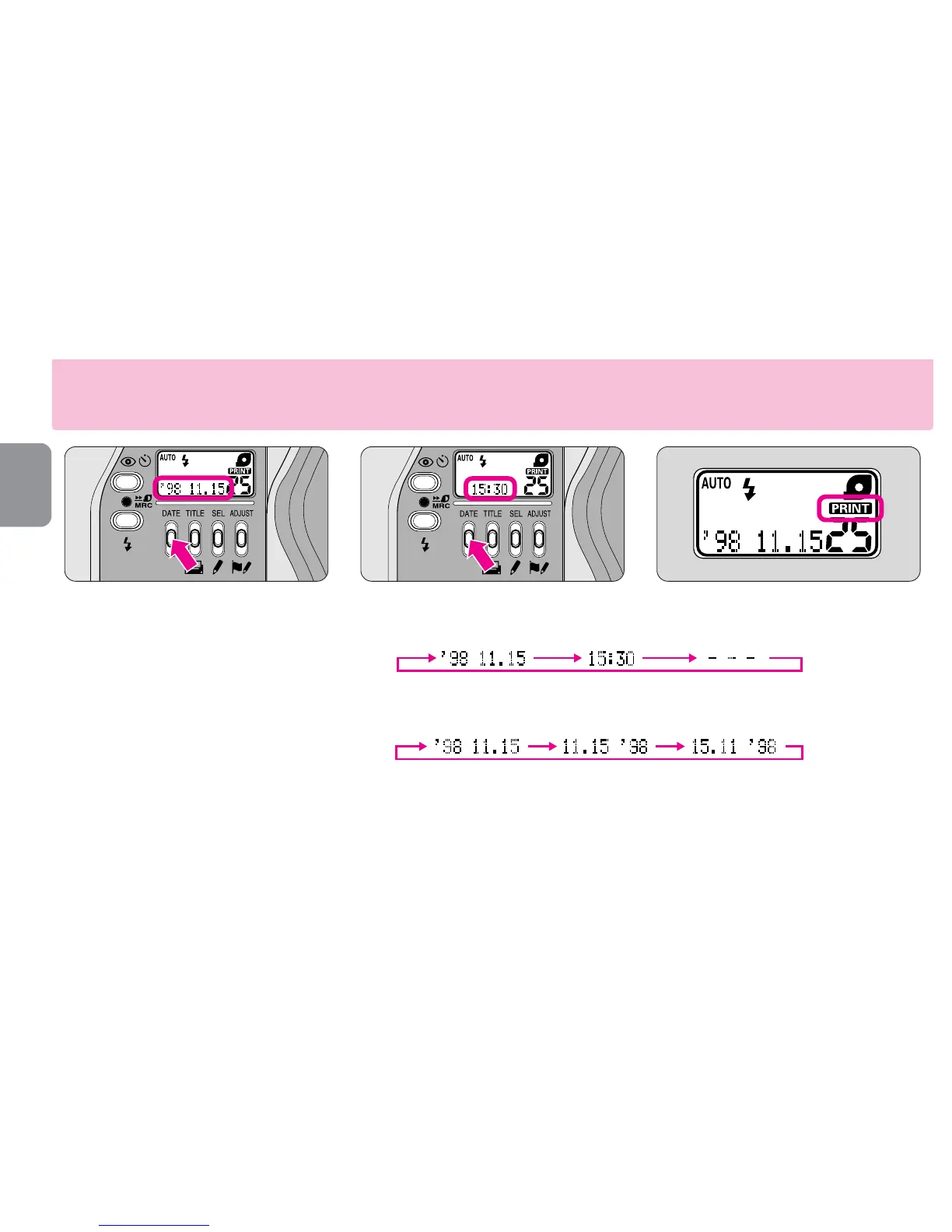
•Press the DATE button to select one of three displays. Each time the button is pressed,
the display changes in the order indicated:
Year/Month/Day Hour/Minute No recording
•Press and hold the DATE button for more than 2 sec. while “
---
” is displayed. The
display changes in the order indicated:
Year/Month/Day Month/Day/Year Day/Month/Year
•When shooting while “Å”appeared on the LCD panel, data on the LCD will be
recorded. No data is recorded when the “
---
” mode is selected.
•Ask your photo lab that displays an “Authorized Photo Lab Mark” sign for the location
of the recorded data.
12
Set your preferable display mode.
▼
Press the DATE button.
•The “Year” section is displayed and
printed in two digits and the “time” is in
24-hour cycle.
•“
---
” appears when “No recording”
mode is selected.
Data recording function










 To Next Page