23
2
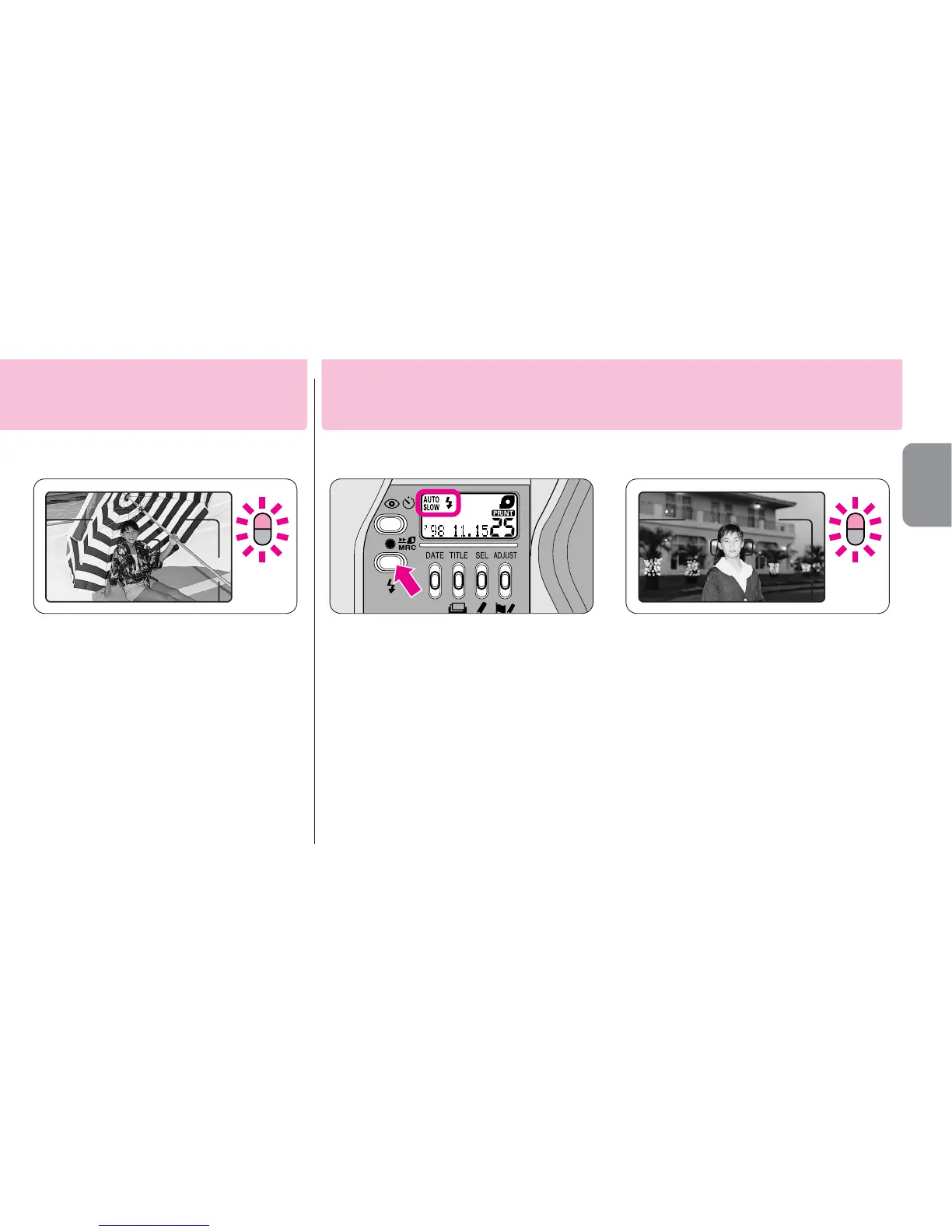
Compose the picture and
shoot.
▼
Lightly press the shutter
release button.
▼
Make sure the orange and green
LEDs light up, then depress the
shutter release button all the
way to take the picture.
•If the orange LED is blinking, the flash is
being charged. Reshoot after making
sure that the orange LED lights up.
1
Press the J button until
“
†
”appears on the LCD
panel.
•Since slow shutter speeds are usually
selected in this mode, use a tripod to
prevent camera shake.
•When the subject is bright, “
#
”
appears on the LCD panel and flash
does not fire.
2
Compose the picture
and shoot.
▼
Lightly press the shutter
release button.
▼
Make sure the orange and green
LEDs light up, then depress the
shutter release button all the way
to take the picture.
•If the orange LED is blinking, the flash
is being charged. Reshoot after making
sure that the orange LED lights up.
Use this mode to obtain the correct exposure for both the main subject
and background in low-light situations or at night.
Slow sync flash mode
ally regardless of the available light.










 To Next Page