31
4
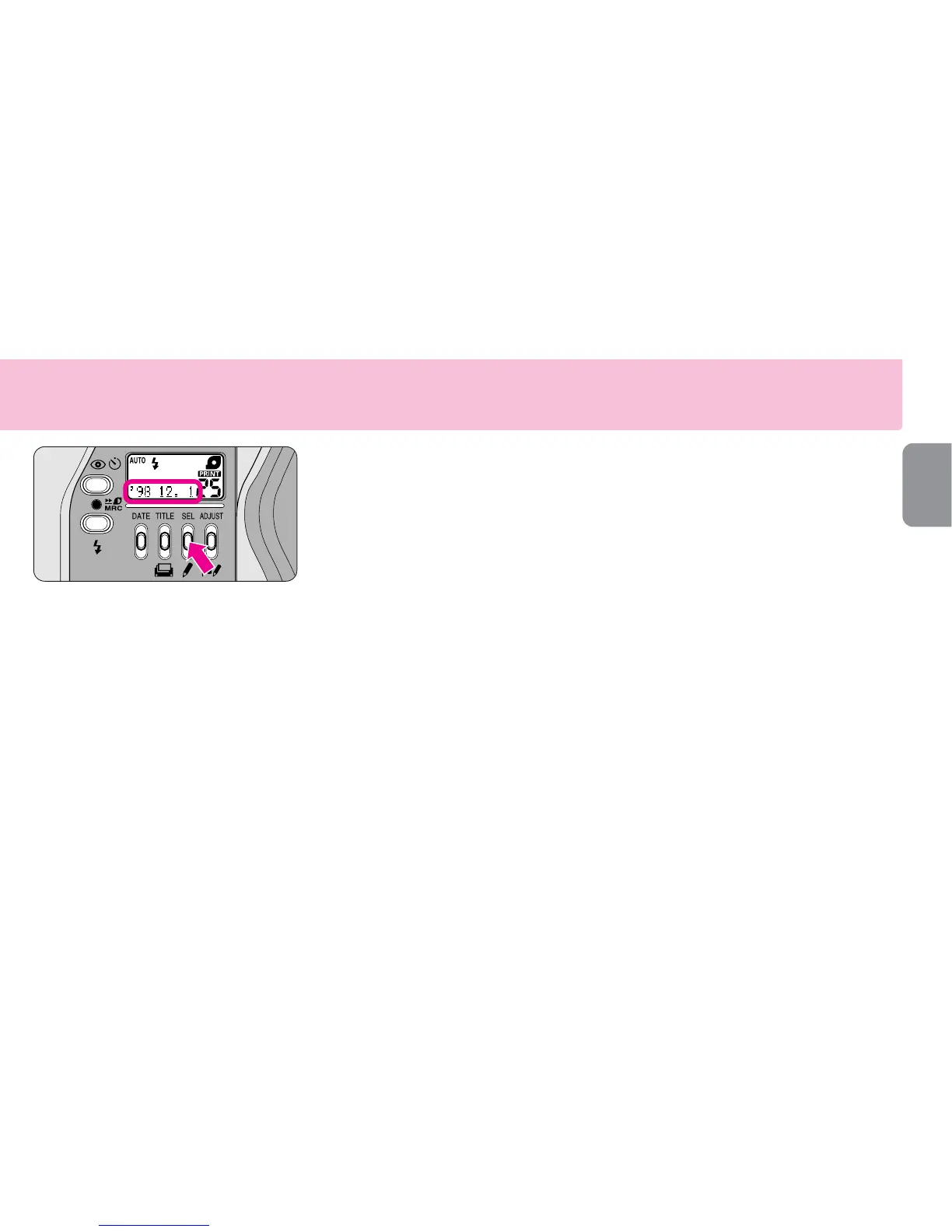
Getting out of the setting
mode
▼
Press the SEL button and the
corrected date appears on the
LCD panel.
•If the slide cover is closed or the zoom
lever is operated while the date/time
setting is in progress, all the previously
set data will be set at this time.
When the battery is replaced
•Note that 00 00 00 appears on the LCD
panel when the battery is replaced.
•No data will be recorded if 00 00 00
appears on the LCD.
•Repeat procedures from 1 to 4 to set the
date and time.










 To Next Page