Checking battery power
M
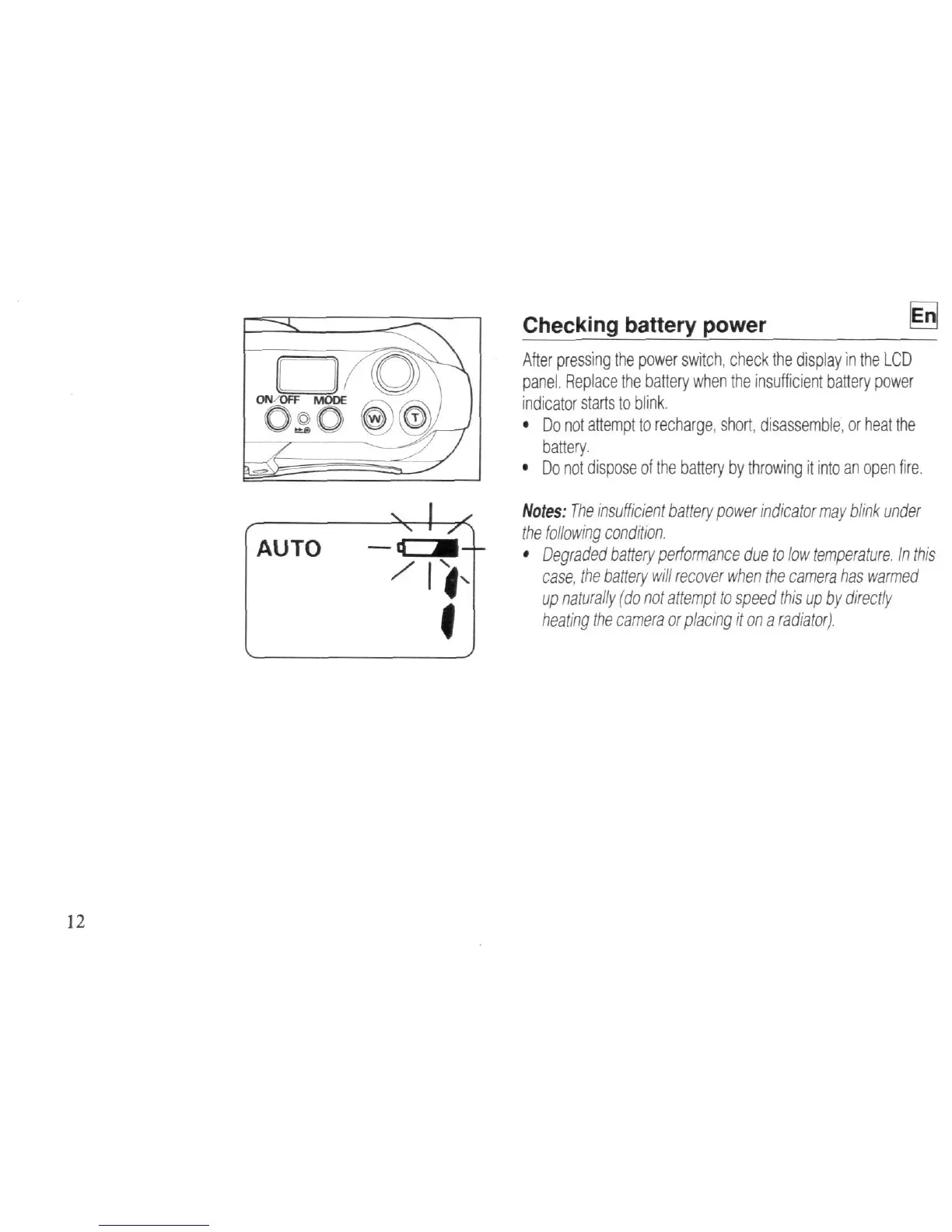
After pressing the power switch, check the display in the LCD
panel.
Replace the battery when the insufficient battery power
indicator starts to blink.
•
Do not attempt to recharge, short, disassemble,
or
heat the
battery.
•
Do not dispose of the battery by throwing
it
into an open fire.
Notes:
The
insufficient battery power indicator may blink under
the following condition.
•
Degraded battery performance due to low
temperature.
In this
case, the battery will recover when the camera has warmed
up naturally (do not attempt to speed this up by directly
heating the camera or placing it on
a
radiator).



 To Next Page
 Loading...









