AUTO
1
i
AUTO
I
AUTO
<S>
03
I
I
22
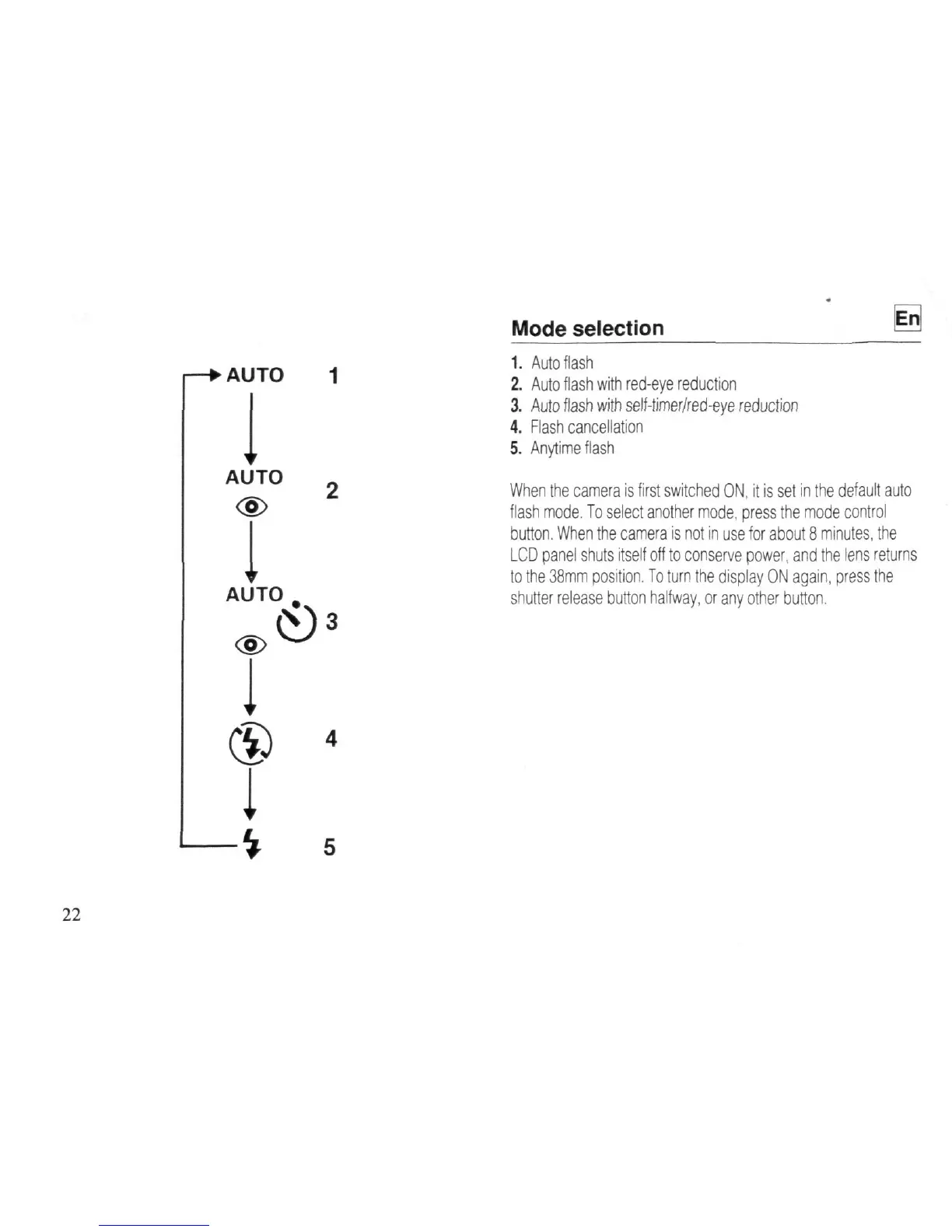
Mode selection
g
1.
Auto flash
2.
Auto flash with red-eye reduction
3. Auto flash with self-timer/red-eye reduction
4.
Flash cancellation
5. Anytime flash
When the camera is first switched ON,
it
is set in the default auto
flash mode. To select another mode, press the mode control
button.
When the camera is not in use for about 8 minutes, the
LCD panel shuts itself off to conserve power, and the lens returns
to the 38mm position. To turn the display ON again, press the
shutter release button halfway, or any other button.














 To Next Page