Self-timer operation
§nj
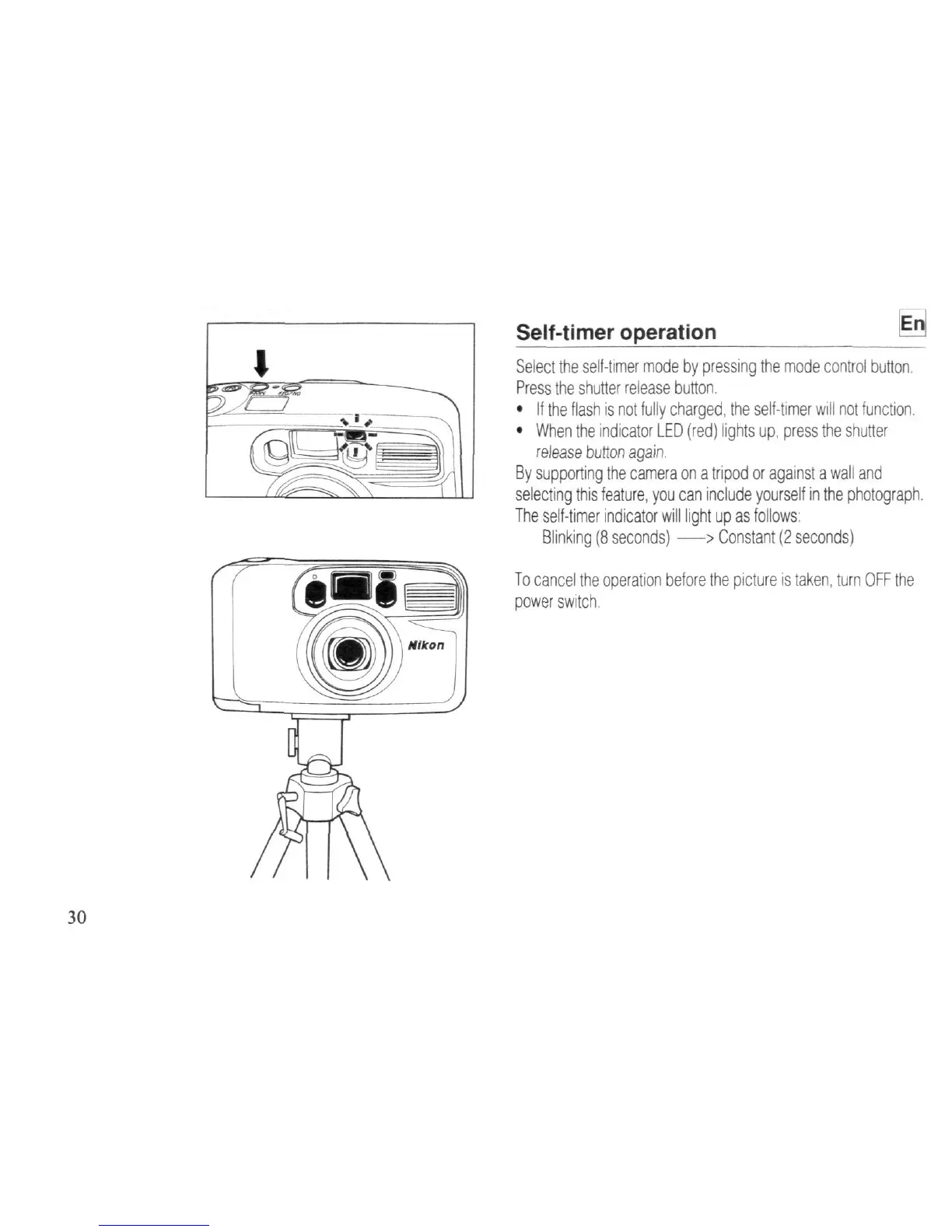
Select the self-timer mode by pressing the mode control button.
Press the shutter release button.
•
If the flash is not fully charged, the self-timer will not function.
•
When the indicator LED (red) lights up, press the shutter
release burton again.
By supporting the camera on a tripod or against a wall and
selecting this feature, you can include yourself in the photograph.
The self-timer indicator will light up as follows:
Blinking (8 seconds)
—>
Constant (2 seconds)
To cancel the operation before the picture is
taken,
turn OFF the
power switch.



 To Next Page
 Loading...









