EasyManua.ls Logo

Nikon PRONEA S - Page 11

Nikon PRONEA S
44 pages
Print Icon
To Next Page IconTo Next Page
To Previous Page IconTo Previous Page
Loading...
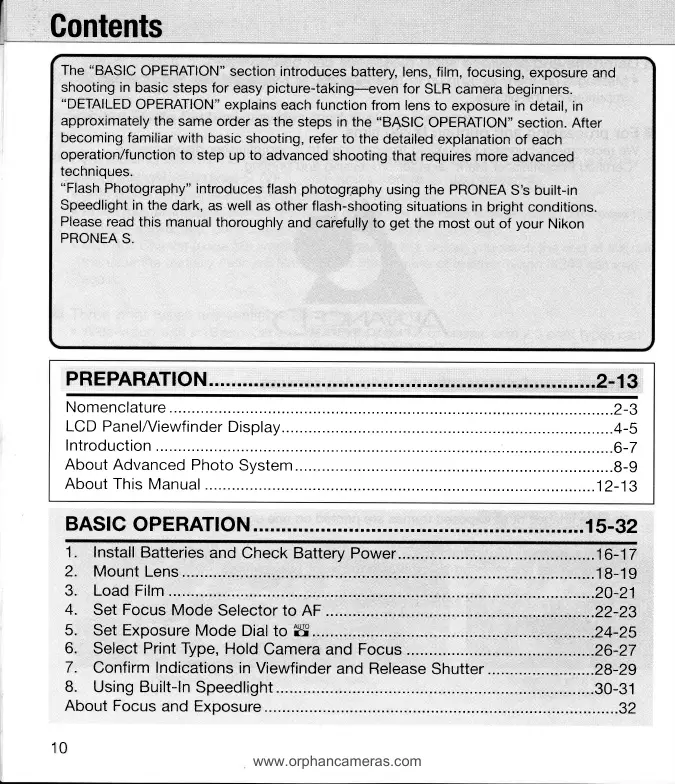
Gontents
The
"BASIC
OPERATION"
section introduces
battery, lens,
film,
focusing,
exposure
and
shooting in
basic
steps for
easy
picture-taking-even
for
SLR
camera beginners.
"DETAILED
OPERATION"
explains
each function
from lens
to
exposure in
detail,
in
approximately
the
same order
as the
steps in the
"BASIC
OPERATION"
section.
After
becoming familiar
with
basic
shooting, refer
to the
detailed
explanation
of each
operation/function
to
step up to
advanced
shooting that
requires
more
advanced
techniques.
"Flash
Photography"
introduces
flash
photogr.aphy
using the
PRONEA
S's built-in
Speedlight in
the
dark,
as
well
as
other flash-shooting
situations
in
bright conditions.
Please
read this manual
thoroughly
and
carefully
to
get
the
most
out of
your
Nikon
PRONEA
S.
PRE PARATIO
N ... r
r r r r r r. r.
t r r rr rr |
!r rr r. r r r rr
r r r r. r rr
rr rrr rr r r rr
r rr r. r r r
rr. r I rr ...2'13
Nomenclature
.2-3
LCD PanelA/iewfinder
Display.....
......4-s
lntroduction
....G-7
About
Advanced
Photo
System...
.....8-g
About This
Manual
...j2-13
BASIC
OPERATION
rrrrrrrrrrrrrrrrrrrrrrrrrrrrrrrrrrrrrrrrrrrrrr.rrrrrrr.rrr
'1
5-32
1. Install
Batteries
and
Check Battery Power
..16-12
2, Mount
Lens
.1
8-1
g
3. Load
Film
..,20-21
4.
Set Focus
Mode
Selector to
AF .
...22-29
5.
Set Exposure
Mode
Dial
to
W..
.....24-25
6.
Select Print Type,
Hold
Camera
and Focus
.......26-27
7.
Confirm
Indications
in
Viewfinder
and Release
Shutter
...28-29
8.
Using Built-ln
Speedlight.
.......30-31
About Focus
and Exposure...
......92
10
www.orphancameras.com

Related product manuals