EasyManua.ls Logo

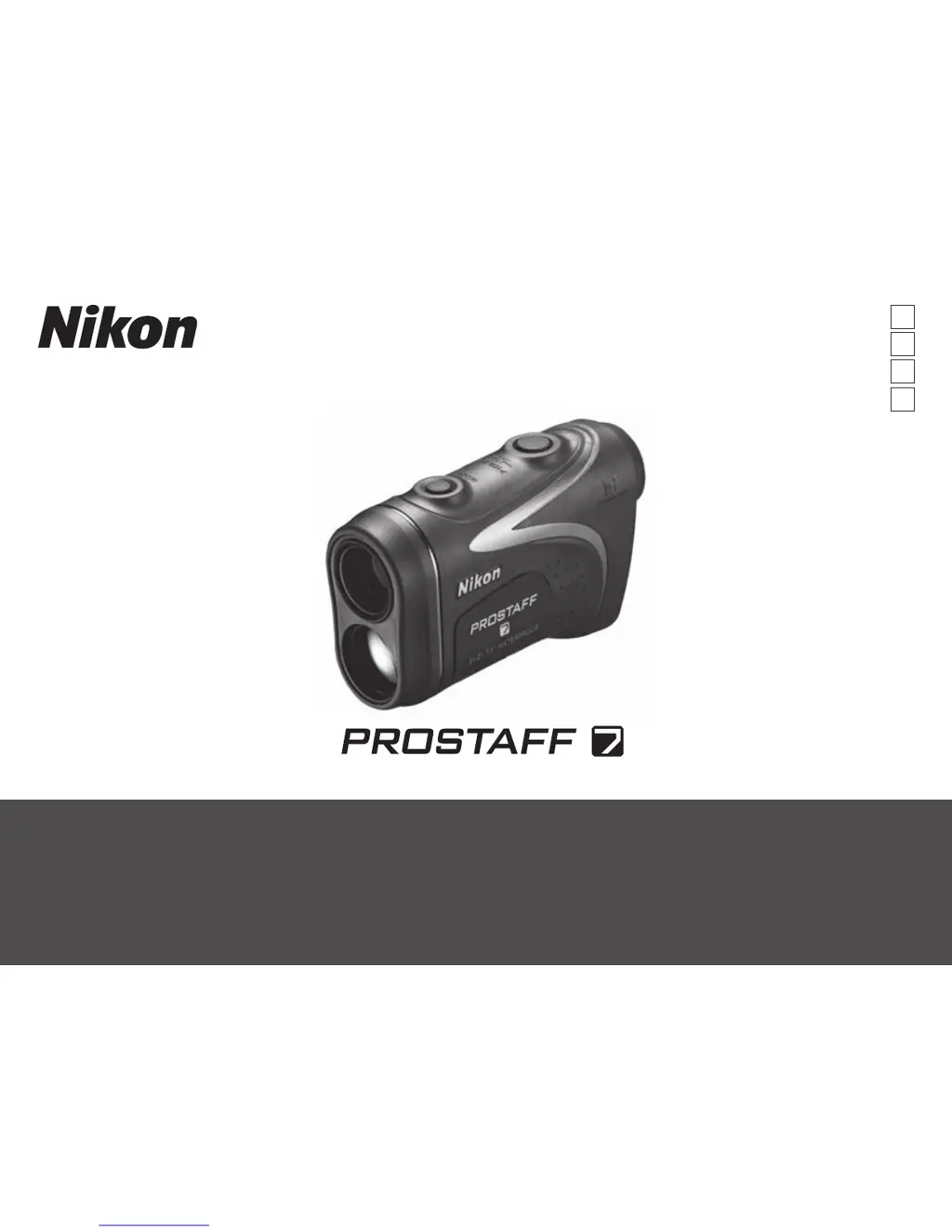
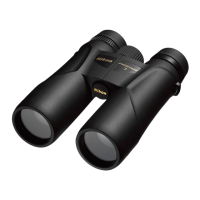
Nikon PROSTAFF 7 - User Manual

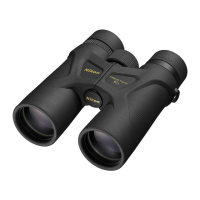
Nikon PROSTAFF 7
41 pages
Print Icon
To Next Page IconTo Next Page
Loading...
Instruction manual / Manual de instrucciones /
Manuel d’utilisation / Manual de instruções
Pt
En
Fr
Es

Questions and Answers

  • M
    Mr. Johnny BensonJul 27, 2025
    What to do if my Nikon Measuring Instruments says 'Cannot measure'?
    • Z
      Zachary GomezJul 27, 2025
      If your Nikon Measuring Instruments displays 'Cannot measure,' ensure that the laser emission and detector apertures are unobstructed and clean. Verify the target's shape and condition are suitable for reflecting the laser beam. Replacing the battery with a new one may also resolve the issue. It may be that a closer target, located inside the measurement range, cannot be measured.
  • S
    Sarah MaloneAug 2, 2025
    Why is my Nikon Measuring Instruments measurement result unstable?
    • J
      Jeanette GarzaAug 2, 2025
      Unstable measurement results with your Nikon Measuring Instruments can occur due to several reasons. Try replacing the battery with a new one. Make sure the target's shape and condition are appropriate for reflecting the laser beam. Hold the unit steady while measuring. Also, ensure there are no obstructions like leaves or grass between the device and the target.
  • A
    Alex WhiteAug 7, 2025
    How to turn on Nikon Measuring Instruments if the LCD doesn't illuminate?
    • R
      Robert BriggsAug 7, 2025
      If your Nikon Measuring Instruments unit doesn't turn on, first, try pressing the POWER ON/Measurement button located on the top of the body near the side. Check that the battery is correctly inserted. If it still doesn't turn on, replace the battery with a new one.
  • S
    smithteresaAug 14, 2025
    Why can't my Nikon Measuring Instruments measure closer targets?
    • S
      Samantha HamiltonAug 14, 2025
      If your Nikon Measuring Instruments cannot measure closer targets, make sure that nothing, such as leaves or grass, is between the device and the target.
  • M
    mercershannonAug 19, 2025
    Why can't Nikon Measuring Instruments measure targets beyond a certain distance?
    • C
      Chris JacksonAug 19, 2025
      If your Nikon Measuring Instruments cannot measure targets beyond a certain distance, ensure that there are no obstructions, such as leaves or grass, between the device and the target.

Summary

User Safety Precautions

Laser Safety Guidelines

Guidelines for safe laser operation, including avoiding direct eye exposure and aiming at people.

Product Safety and Maintenance

General Safety Guidelines

Covers monocular, battery, and general safety advice for product operation.

Care, Maintenance, and Storage

Instructions for cleaning, maintaining, and storing the rangefinder properly.

Product Key Features

Nomenclature and Components

Display and Measurement Mode Settings

Internal Display Overview

Explains the symbols and indicators shown on the internal LCD screen.

Measurement Display Mode Selection

Details how to switch between Horizontal Distance and Actual Distance modes.

Target Priority Mode

Distance Display Units

LED Illumination

Changing the Battery

Measurement Procedures

Setup and Preparation

Includes battery installation, rubber eyecup adjustment, and diopter adjustment.

Measurement Execution

Instructions for single and continuous measurements, including aiming and button operation.

Technical Specifications

Additional Information

Troubleshooting and Repair Guide

Nikon PROSTAFF 7 Specifications

General IconGeneral
Magnification10x
Objective Lens Diameter42mm
WaterproofYes
FogproofYes
Prism SystemRoof
Exit Pupil4.2 mm
Lens CoatingFully multicoated
Field of View324 ft at 1000 yds
Close Focus Distance13.1 ft
Weight22.9 oz
Dimensions5.9 x 5.1 in

Related product manuals