64
7
Click Continue…
The ReadMe fi le will be displayed. Click Continue… to display the “Nikon Scan Installer”
dialog.
8
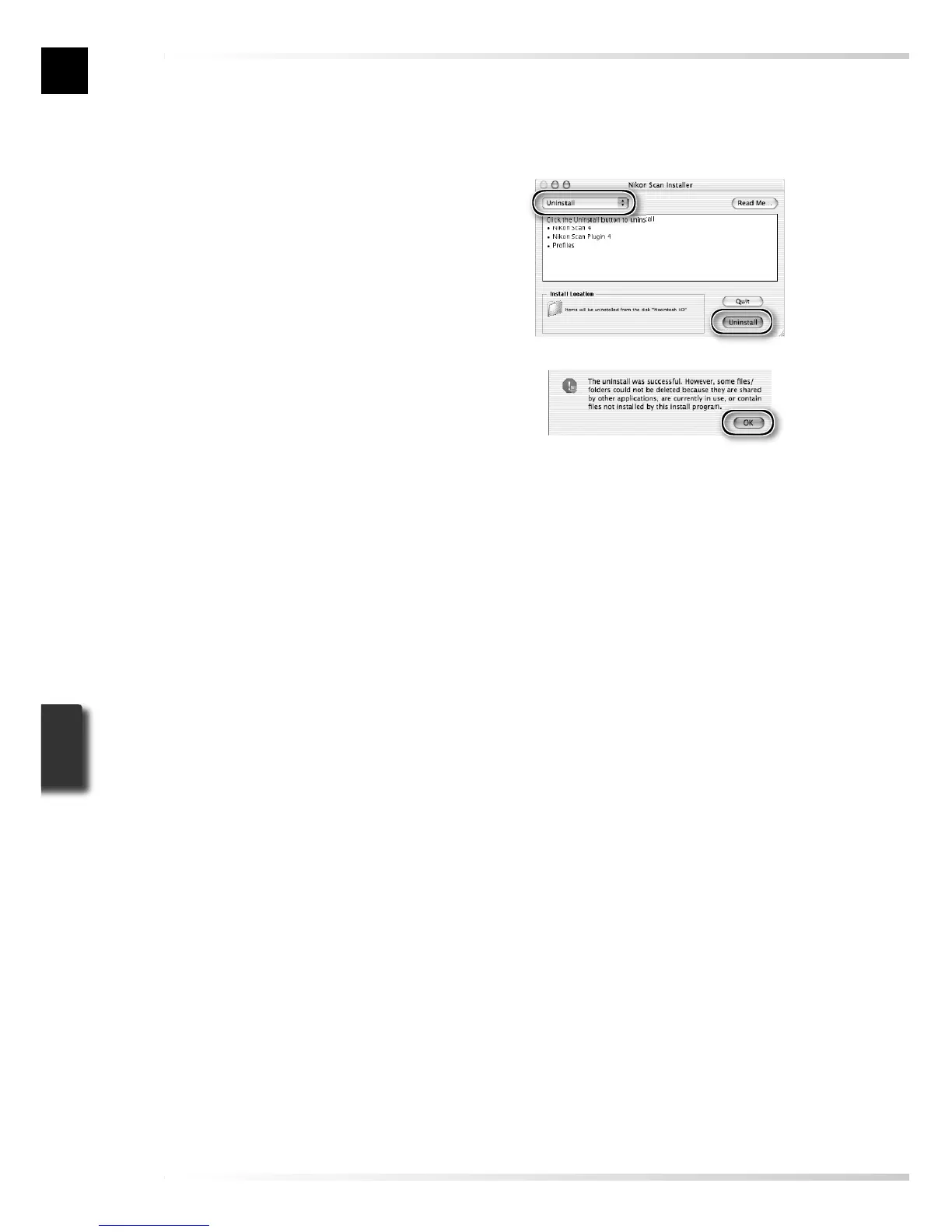
Select Uninstall
Select Uninstall from the menu at the
top left corner of the installer dialog and
click the Uninstall button to remove
Nikon Scan and its components from the
computer.
9
Click OK
A confi rmation dialog will be displayed
when removal is complete. Click OK.













 To Next Page