En_01
13
Step 3: The Connection Wizard
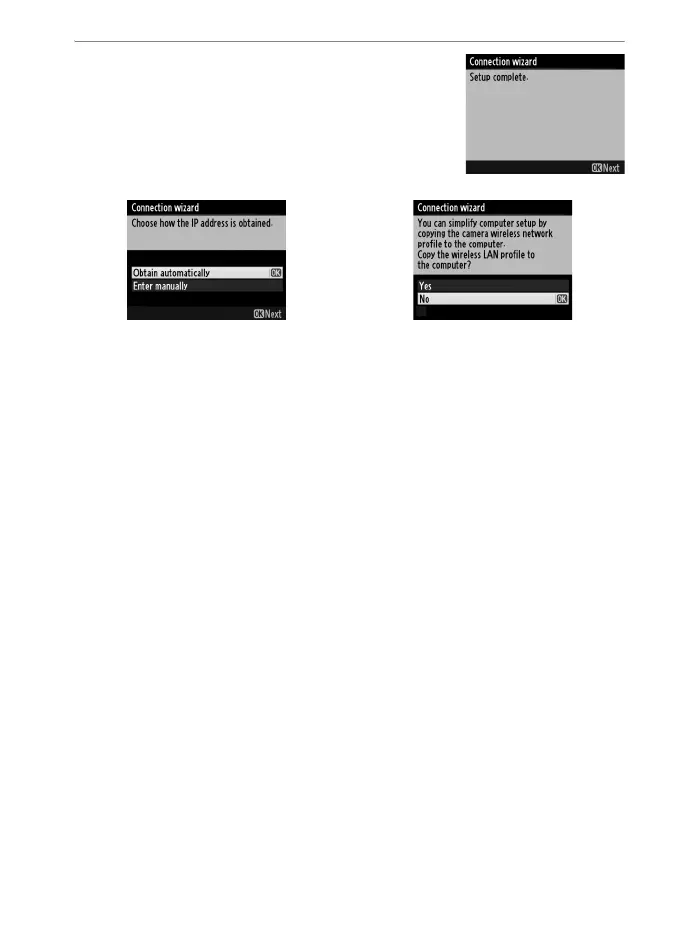
3 Choose your next step.
The message at right is displayed when a
connection is established. Your next step
depends on the connection type selected
in Step 4 on page 9:
If you chose FTP upload, go to page 16. If you chose Image transfer, Camera control,
or HTTP server, go to page 19.



 To Next Page