619
Flash Modes
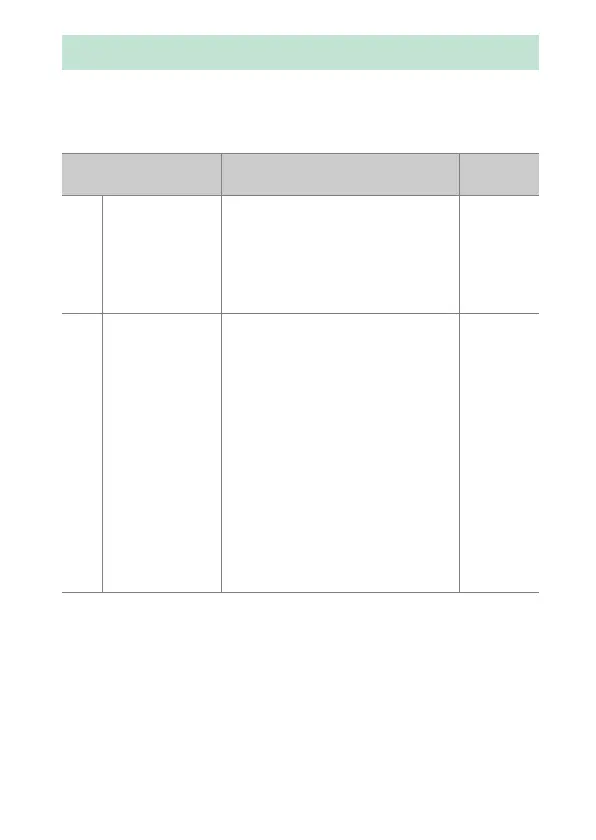
Use the [Flash mode] item in the photo shooting menu to
choose the effect produced by the flash. The options available
vary with the shooting mode.
Flash Modes
Option Description
Available
in
I
[Fill flash]
(front-curtain
sync)
This mode is recommended in
most situations. In modes P and A,
shutter speed will automatically be
set to values between
1
/
200
s (or
1
/
8000
s with auto FP high-speed
sync) and
1
/
60
s.
b
, P, S, A,
M
J
[Red-eye
reduction]
Use for portraits. The red-eye
reduction lamp on the camera or
flash unit lights before the flash
fires, reducing “red-eye”.
•
A flash unit with red-eye
reduction is required.
•
The desired results may not be
achieved if the subject or camera
moves before the shutter is
released (this setting is not
recommended with moving
subjects or in other situations
requiring a quick shutter
response).
b
, P, S, A,
M



 To Next Page
 Loading...










