13
R
EMOTE
C
ONTROL
A
NYWHERE
! K
IT
Normal Operation
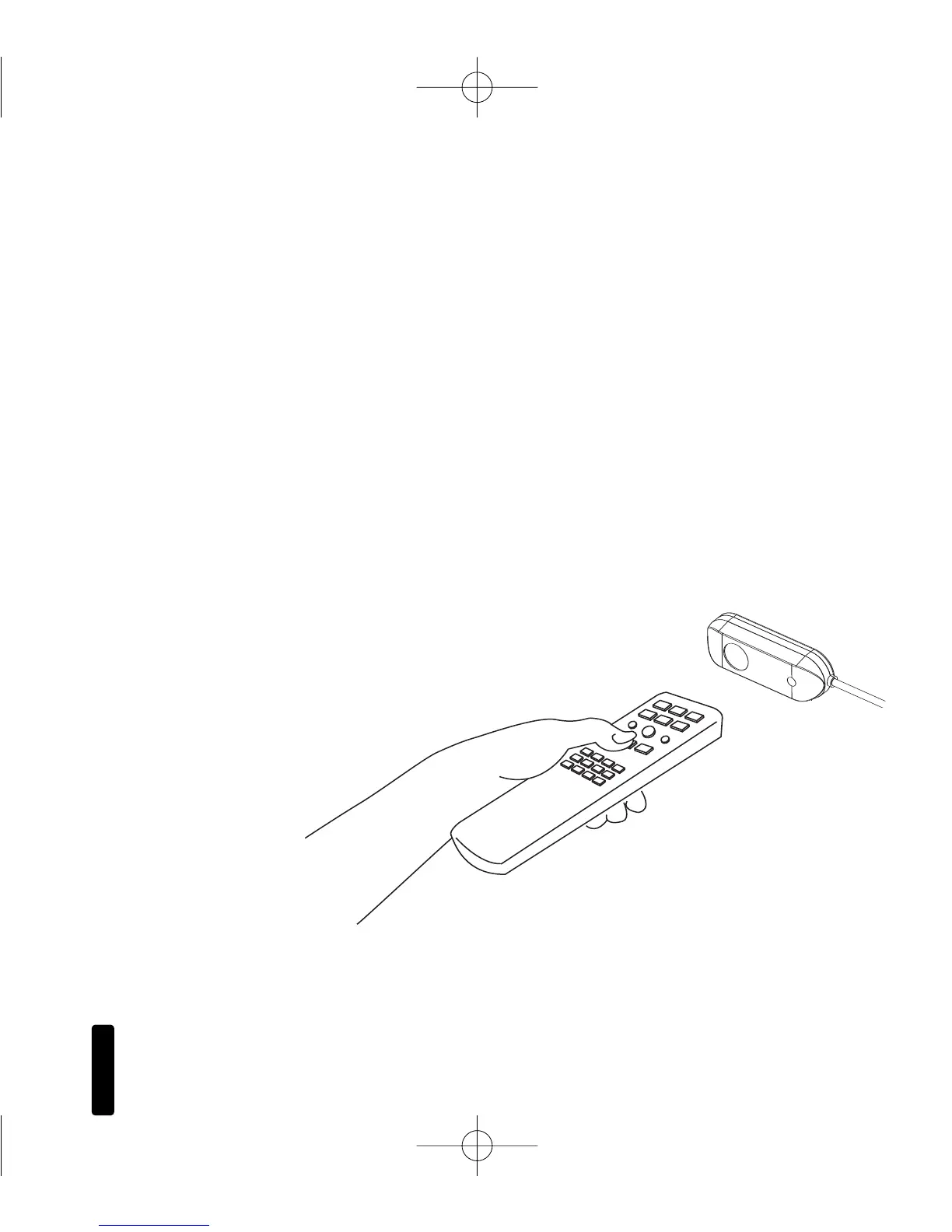
To control your audio/video components, simply aim your
remote control at the table-top sensor.
If you are within range (and your remote control’s
batteries are fresh), the LED on the sensor will flash a bright blue
color each time you press a button on the remote (
Figure 11).
If you are using a remote control with macro capabilities (a single
press of a button issues a string of commands), allow sufficient
time for all of the commands to execute.
Figure 11:
System Operation
DS00408ACN_RCA3 Kit.qxp 1/17/05 3:52 PM Page 13



 To Next Page