Getting Started
While the Remote Control Anywhere! Kit is compatible
with most brands of audio/video components, there are
a few exceptions. You should perform a temporary hook-
up to test for compatibility before you conceal wire or
permanently mount any parts.
Steps One through Five describe how to perform a
quick and easy check for compatibility.
Once you have determined that all of your remote
controlled A/V components are compatible,
proceed with the rest of the installation.
Installation
Step 1 – Placing the Connection Hub
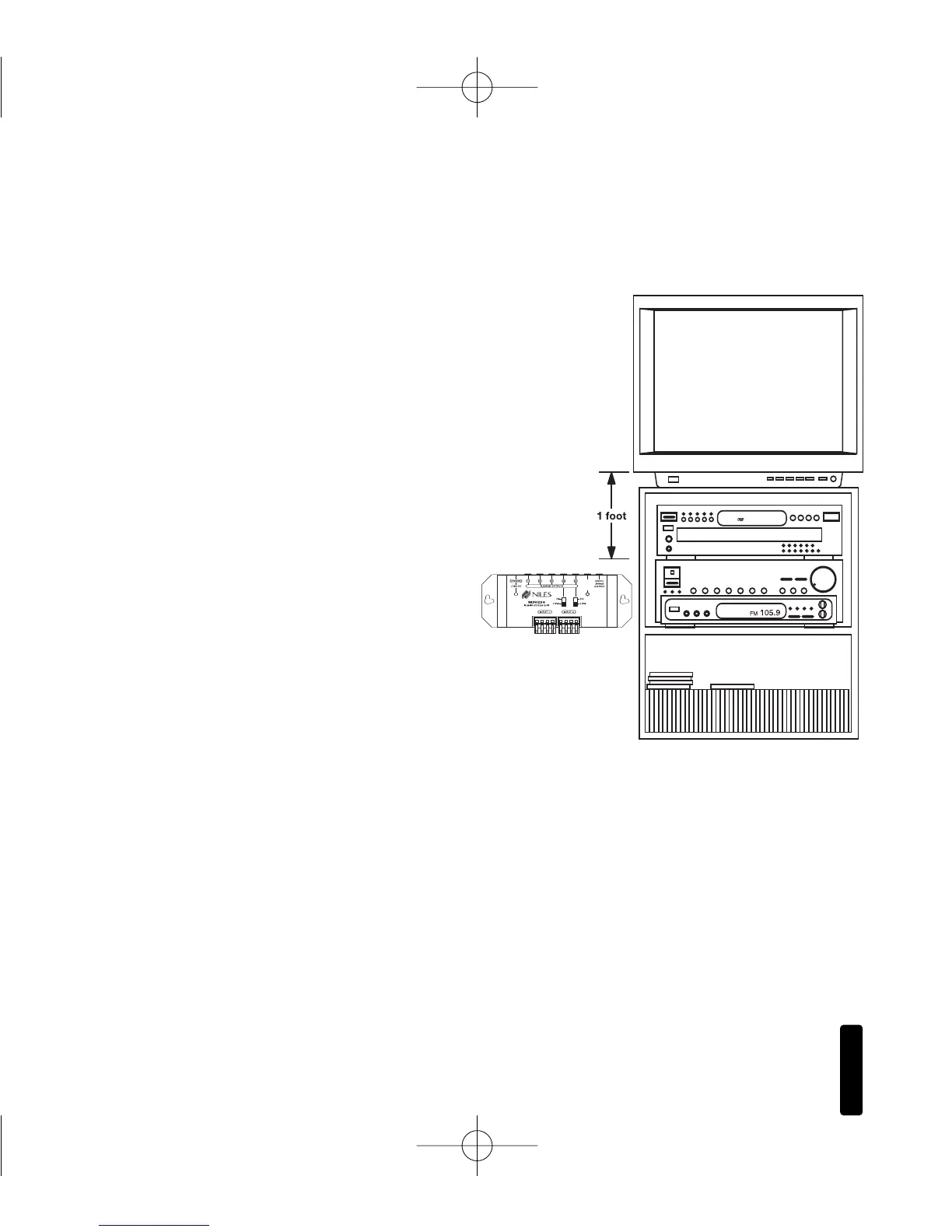
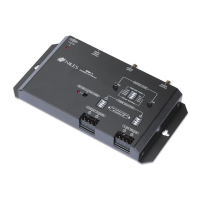
Place the Connection Hub so that the MicroFlasher wires
will reach the components.
Never place the connection hub closer than
1' away from a television set (Figure 1).
4
R
EMOTE
C
ONTROL
A
NYWHERE
! K
IT
Figure 1: Connection
Hub Placement



 To Next Page