18
CONTROL PANEL
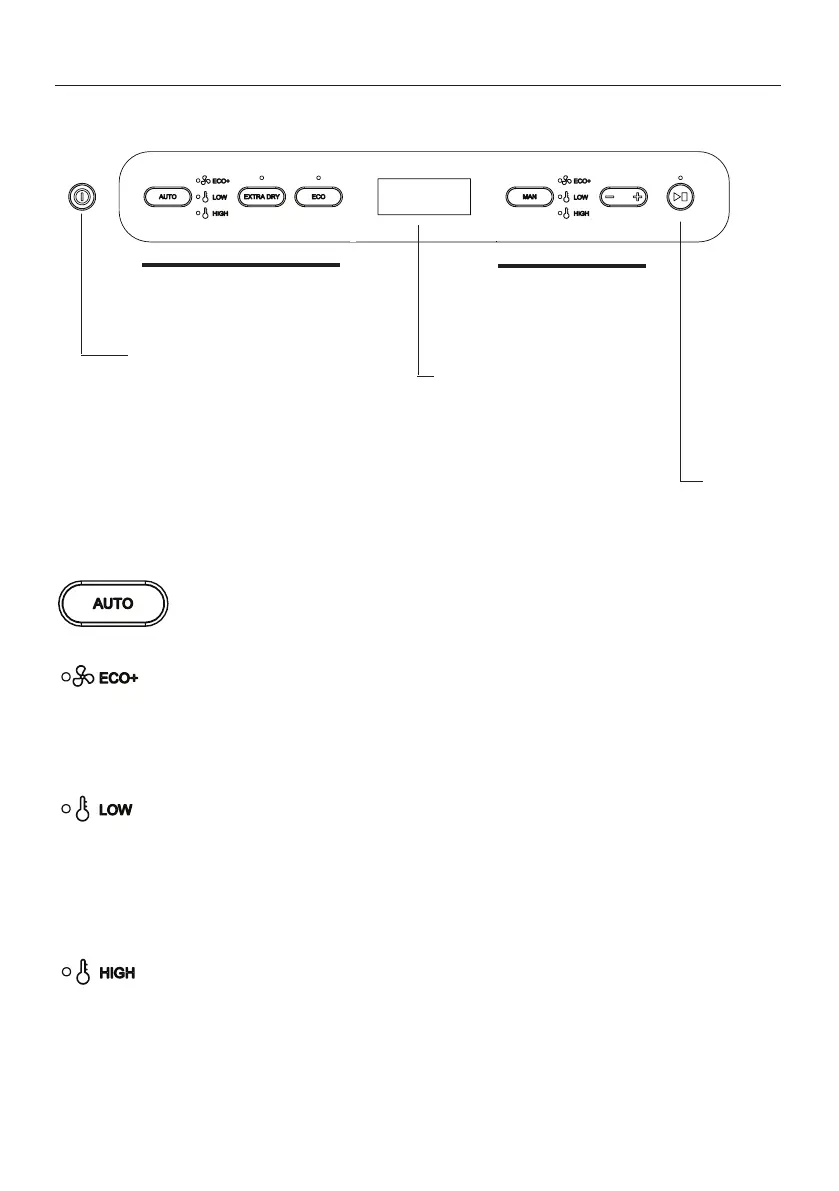
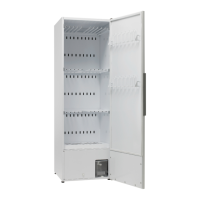
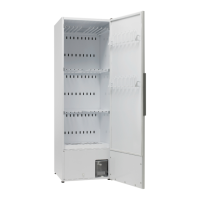
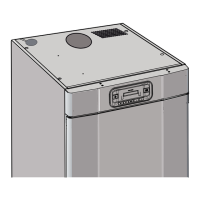
OPERATION SENSOR DRYER 1700 / 1900
Programme selection for au-
tomatic time control of the
drying process
Programme selec-
tion for manual time
control of the drying
process
ON/OFF
Display showing time
remaining for selected drying
programme.
Under the time reading, a row
of LEDs shows that the drying
process is under way.
Start/Stop
Buttons for automatic time control of the drying process
Button for activation of automatic drying process
Only the fan is started. This programme selection is highly energy-
ecient and very gentle on the laundry. Use this programme when
you have plenty of time. AUTO ECO now lights up.
Here both the fan and the element are active but have a limited
temperature inside the cabinet. Use this programme when you need
to have your sensitive fabrics dry in a shorter time. AUTO LOW now
lights up.
Here both the fan and the element are active. The temperature
restriction is signicantly higher than in AUTO LOW. This programme
dries the fabrics quickly. AUTO HIGH now lights up.



 To Next Page