20
OPERATION OF SENSOR DRYER 1700/1900
START-UP OF THE DRYING CABINET WITH AUTOMATIC TIME CONTROL
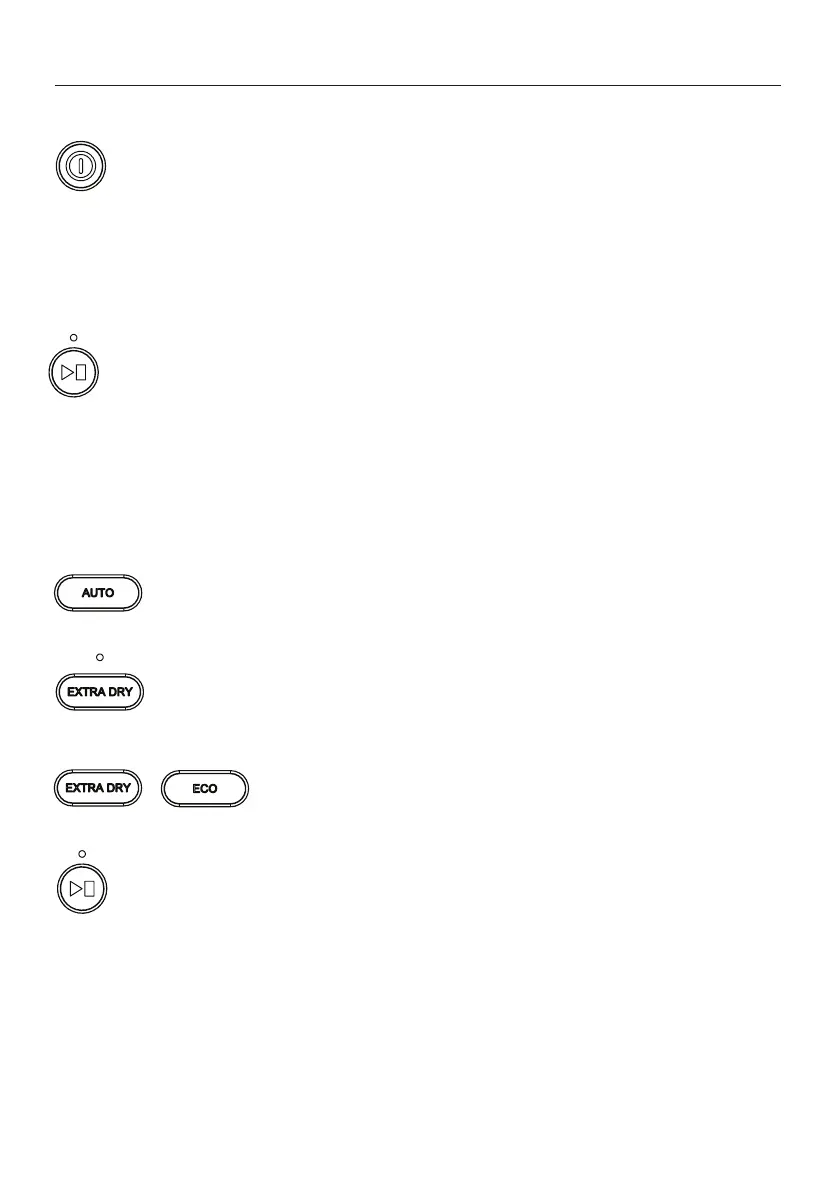
The cabinet is started by pressing ON/OFF.
The cabinet is activated by default with the previous programme selection active.
If no programme has been selected previously or if the cabinet has been without
power or is completely new, the cabinet is started in AUTO HIGH by default.
AUTO HIGH lights up and Start/Stop ashes.
If this is OK, start the cabinet by pressing Start/Stop.
The LED at Start/Stop stops ashing and is lit with a steady glow.
The estimated drying time is shown on the display, where the time is counted down.
After the time has ended, the process stops automatically.
Selection of other automatic programme
Select automatic programme by pressing the AUTO button.
Step through to the desired programme by pressing AUTO one or
more times.
An extra function EXTRA DRY can be chosen in the AUTO LOW pro-
gramme.
An extra function, EXTRA DRY or ECO, can be chosen in the
AUTO HIGH programme.
Press Start/Stop. The LED is lit with a steady glow and shows that the
process is under way.



 To Next Page