8 / 20
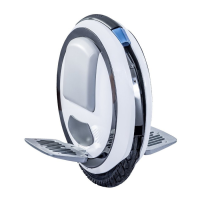
Control Board Replacement
1. Remove the LED shell on both sides of the Ninebot ONE (see LED Shell Removal).
2. Remove the battery (see Battery Removal).
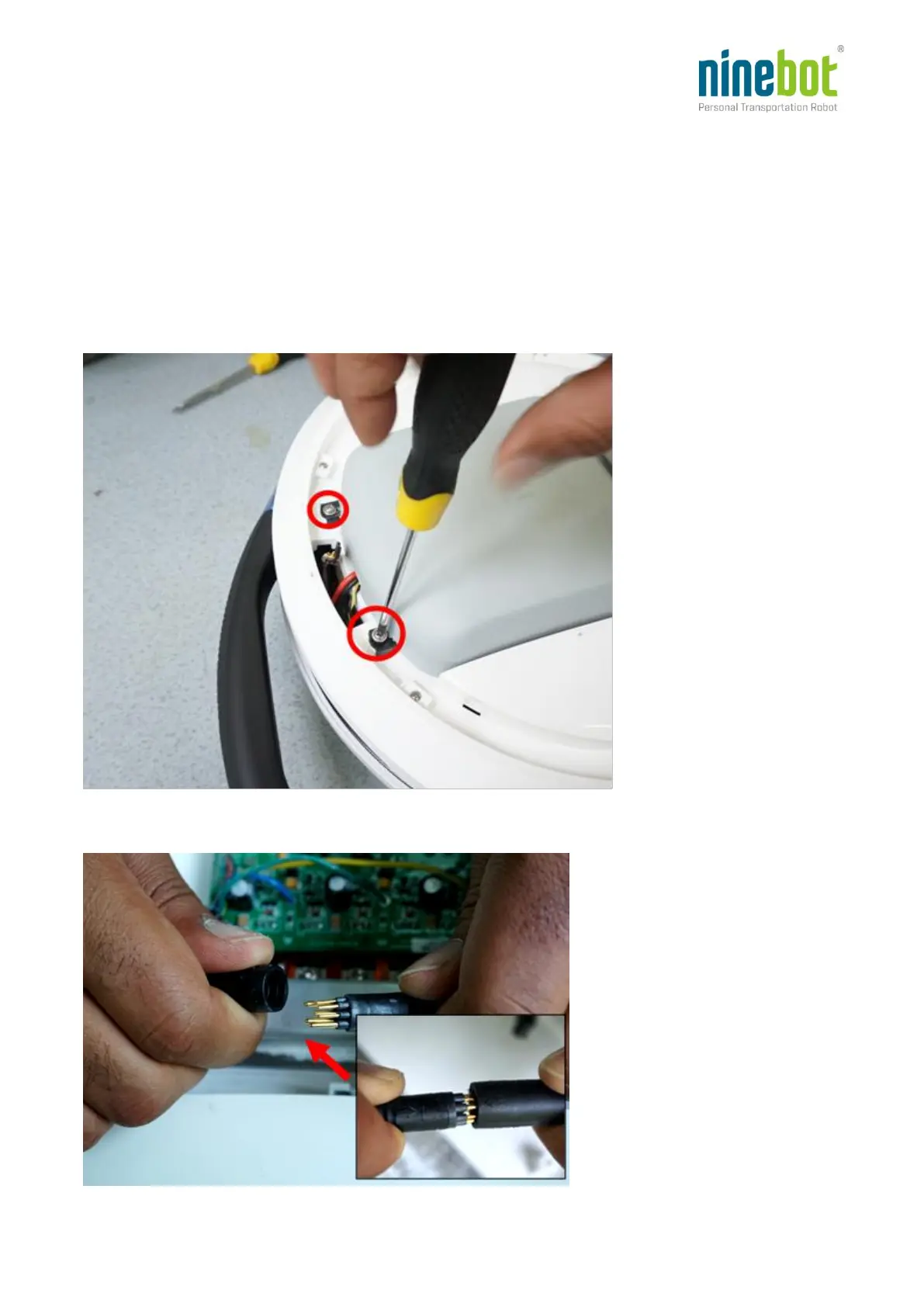
2. Open the control board compartment cover using a Phillips-head screwdriver to remove the two
screws (left side of the Ninebot ONE).
2. Remove the control board compartment cover, then unplug the motor/control board cable.




 To Next Page